











Landing pages, in plain words

A landing page is a single web page built for one offer and one action, like booking a cleaning or requesting a roof estimate, made to receive the clicks from an ad or campaign. It's for service businesses running Google, Meta, or local campaigns that want every click to land on a page that matches what the ad promised.

A landing page gives them one offer and one thing to do next, and every request goes straight into your follow-up.

Sound familiar?

  1. Your ads send people to the homepage

    Someone clicks an ad for a spring cleaning special and lands on a page about everything you do.

  2. You can't tell which campaign worked

    Leads come in from everywhere, and nobody can say which ad or offer brought them.

  3. Leads sit in an inbox

    The form emails someone, and by the time they see it the customer has called a competitor.

A landing page fixes the first problem on sight, and the tracking and follow-up behind it handle the other two.

What's included, done properly.

One offer, one action

Each page is built around a single offer and a single next step, with nothing to distract from it.

app.leadlite.io/opportunities
Support

Opportunities

Sales Pipeline11 opportunities12 opportunities
Open opportunitiesList
Advanced filtersSort (1)
New Lead 📥3 opportunities · $685.004 opportunities · $974.003 opportunities · $685.00
Marcy Bell
Service:
Standard cleaning
Source:
Google Ads
Value:
$180.00
1
Tom Alvarez
Service:
Move-out cleaning
Source:
Website quote form
Value:
$340.00
2
Priya Natarajan
Service:
Recurring cleaning
Source:
Facebook
Value:
$165.00
1
Contacted 📞2 opportunities · $485.003 opportunities · $774.00
Dana RuizFD
Service:
Deep cleaning
Source:
Phone call
Value:
$310.00
2
Greg OlsenFD
Service:
Standard cleaning
Source:
Website quote form
Value:
$175.00
1
Quote Sent 📄2 opportunities · $590.00
Hannah ChoFD
Service:
Deep cleaning
Source:
Referral
Value:
$295.00
21
Lena KowalskiNewFD
Service:
Deep cleaning
Source:
Website quote form
Value:
$289.00
Call within 5 minutesFront Desk · due 10:46 AM
Called in 1 minTask completed · 10:42 AM
Calling...Connected11
9:41

Thanks. We'll review the details and get back to you with a quote.

Back to Home See Services
Book a Cleaning
9:41
Cleaning Revolutionmobile0:010:020:030:04
Remind MeMessage
DeclineAccept
Speaker FaceTime Mute More End Keypad
Cleaning Revolution · new lead gets a call within minutes, demo lead

Copy that matches the ad

The headline and offer match what the ad promised, so visitors know they're in the right place.

Forms connected to follow-up

Every submission lands in your contact list and starts your follow-up, instead of sitting in an inbox.

Fast on phones

Built mobile-first and kept light, so the page loads quickly on a phone.

Tracking set up

Campaign tags, conversion tracking, and lead events sent back to Meta, so form leads show the ad that sent them. Calls need a tracking number, billed by use.

Split tests

A control page and a variation, with the traffic split you choose and the results side by side.

Real client work

Pages built to book

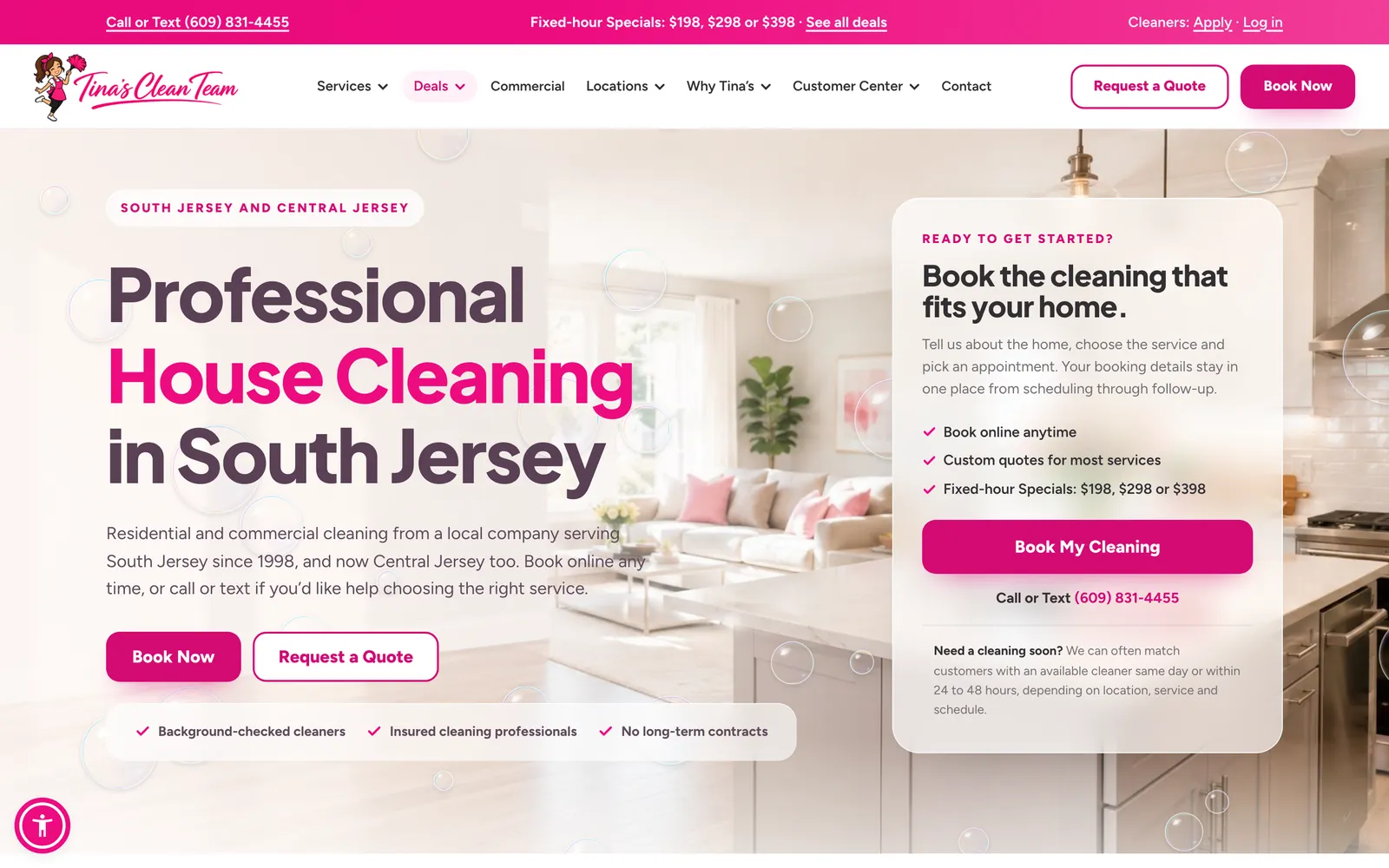
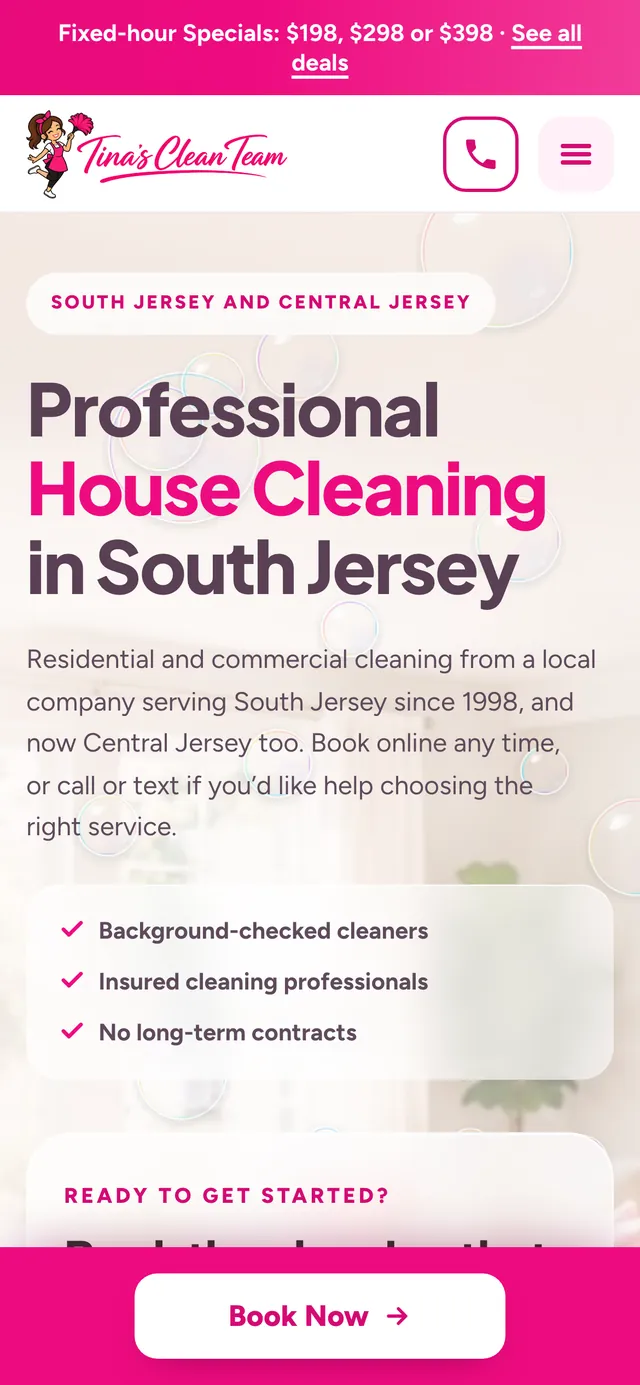
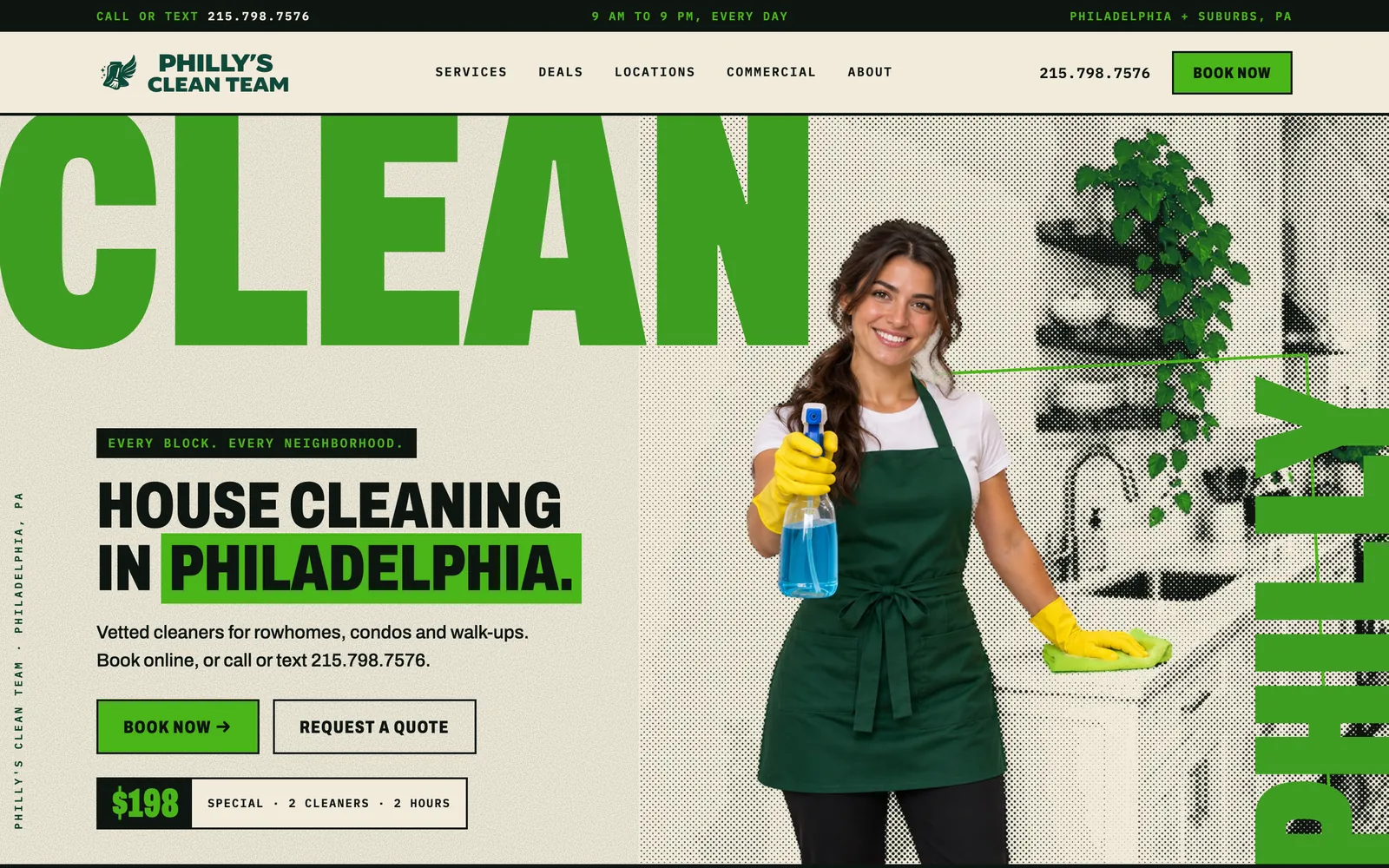
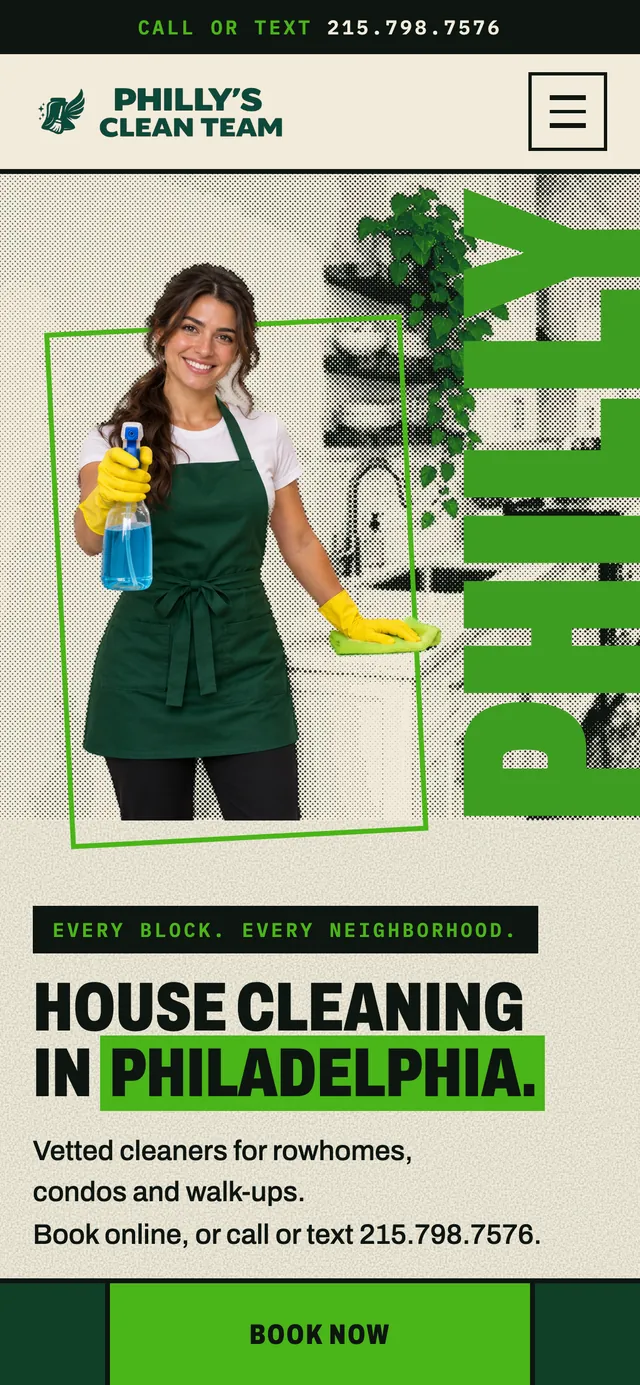
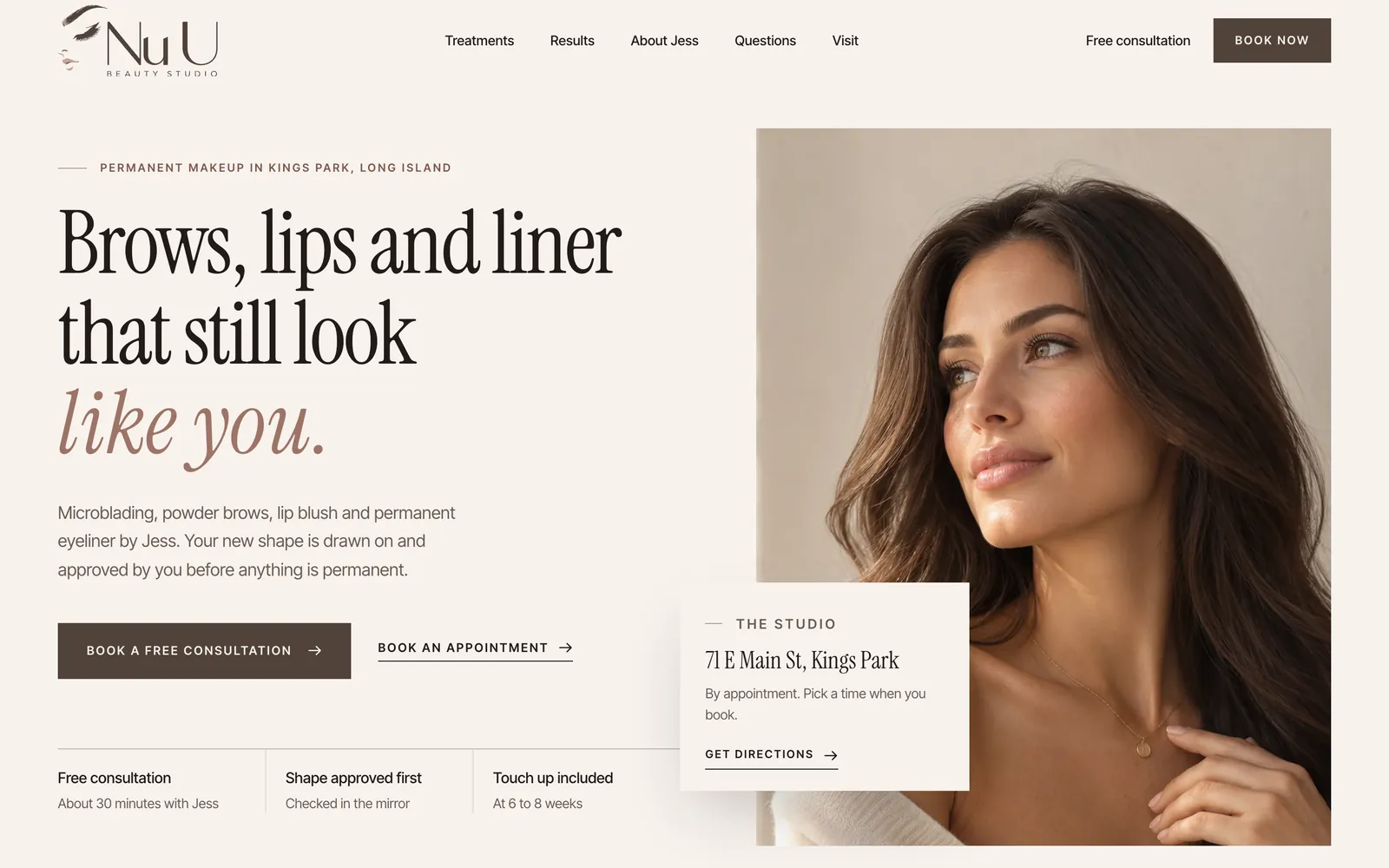
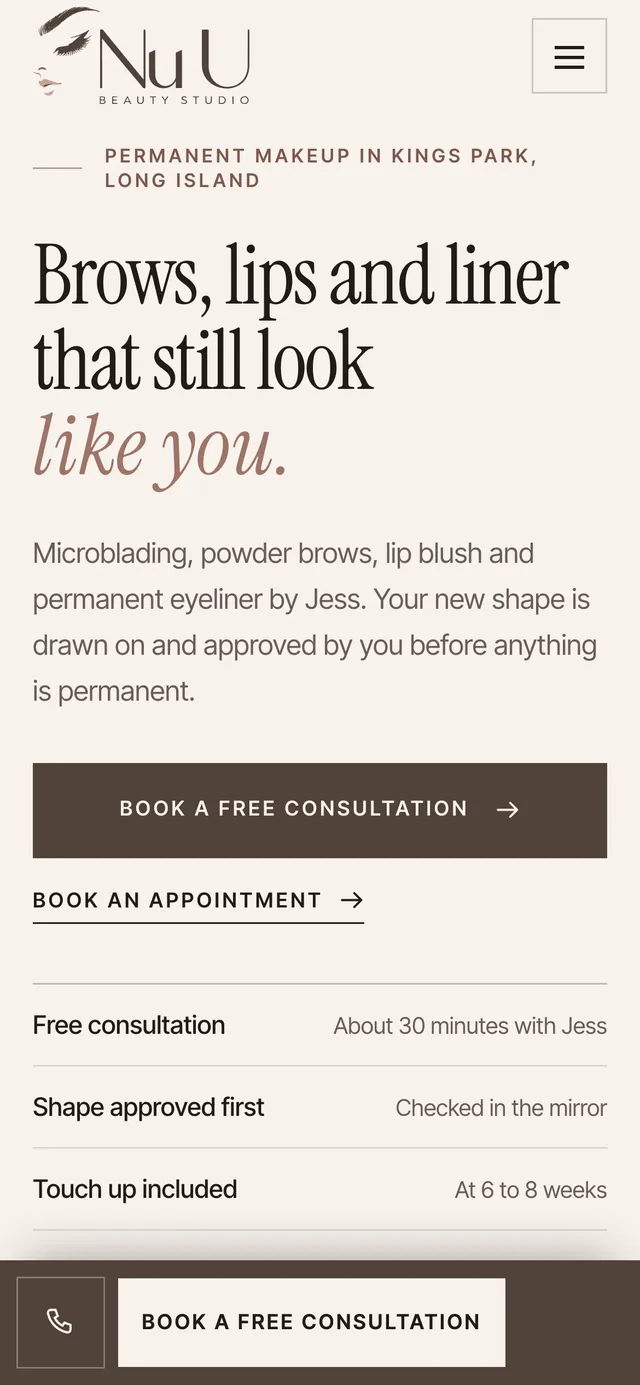
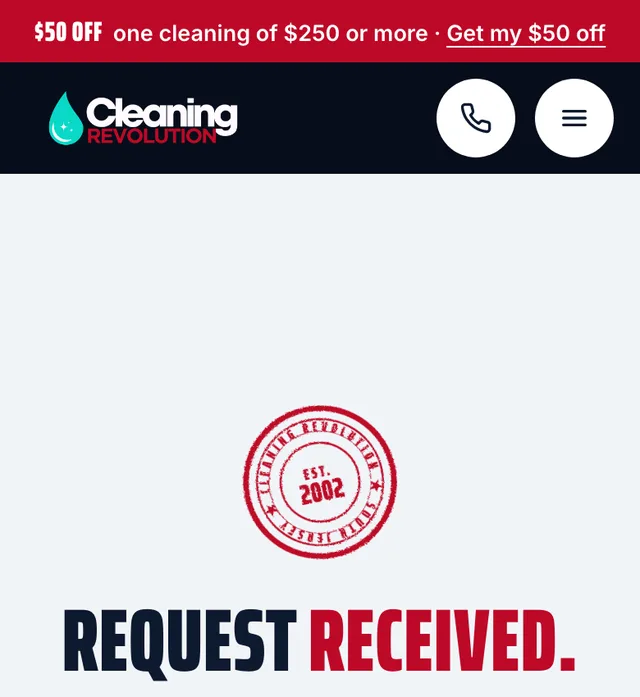
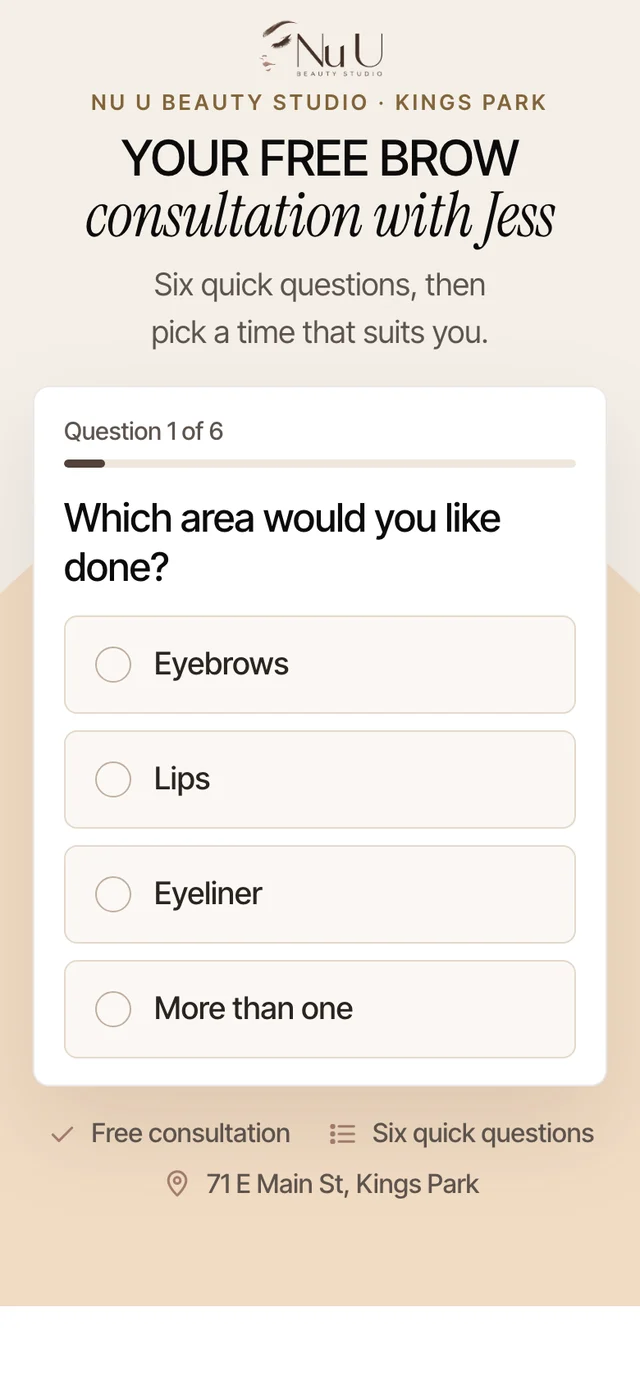
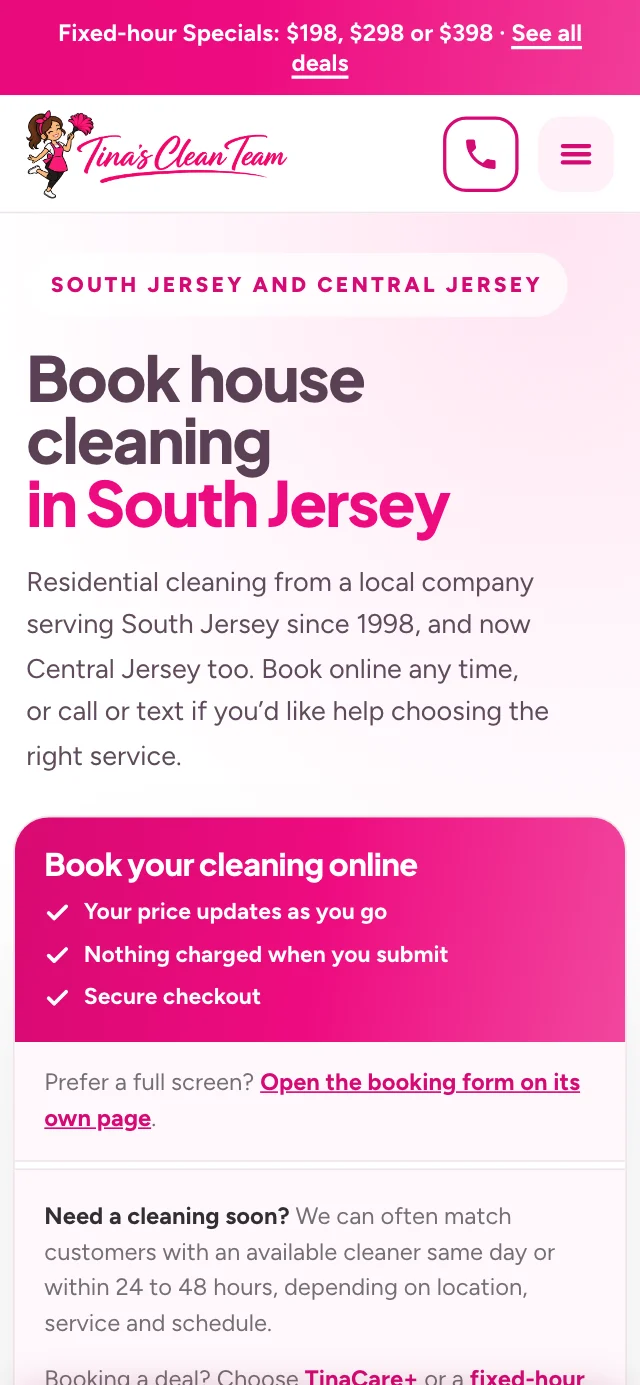
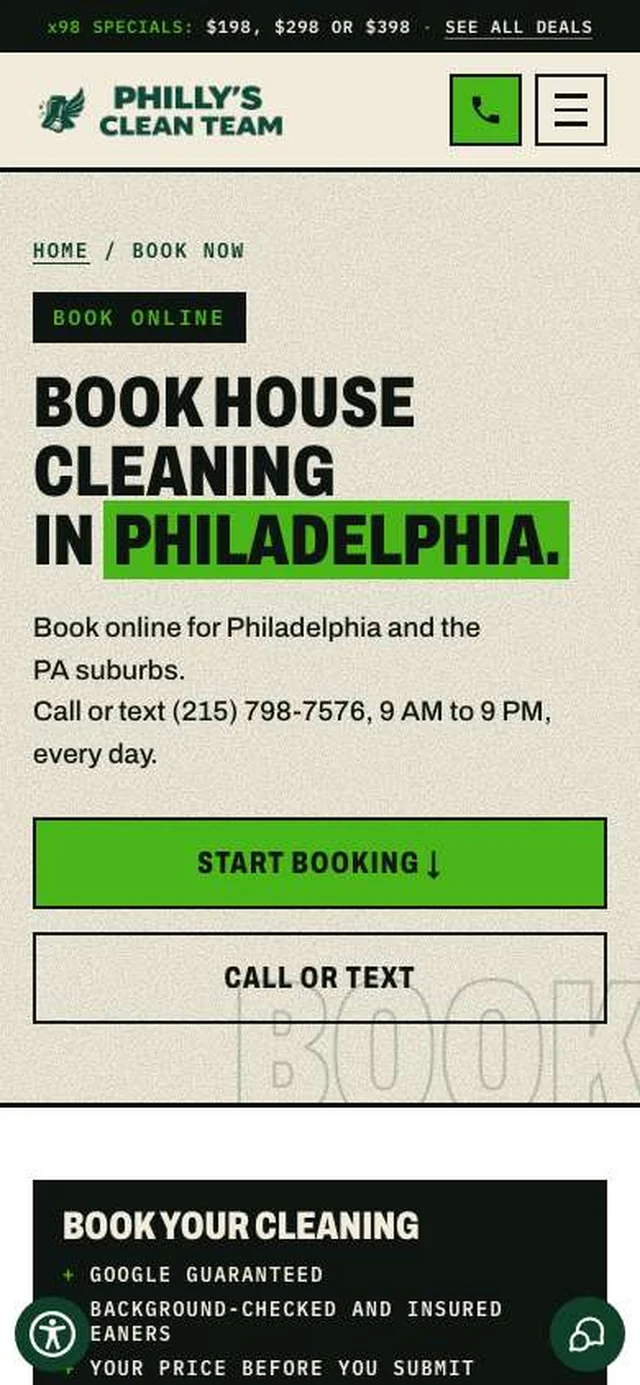
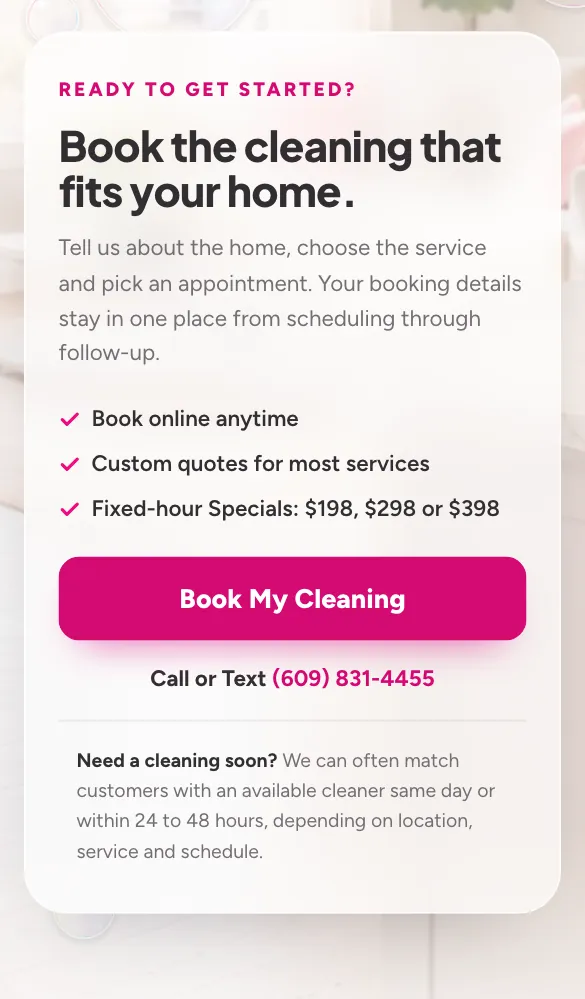
An ad landing page and two booking pages we built, captured on a phone.

Ad landing page: six quick questions, then a time for Nu U Beauty Studio
Nu U Beauty StudioAd landing page: six quick questions, then a time
Booking page for Tina's Clean Team
Tina's Clean TeamBooking page
Booking page for Philly's Clean Team
Philly's Clean TeamBooking page

Tina's Clean Team and Philly's Clean Team are companies we co-operate.

How it runs in LeadLite.

Landing pages are built in LeadLite's funnel builder, which includes split testing and forms that write straight to your contacts. Call tracking numbers and the texts and emails a form triggers are billed by use, and your ad spend is paid separately.

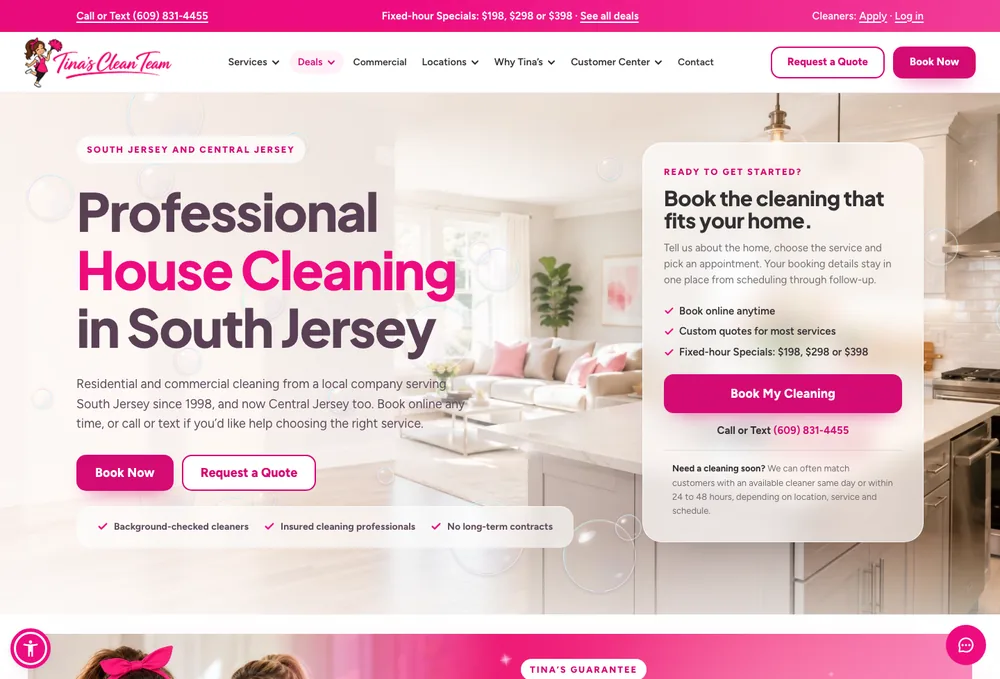
tinascleanteam.com
Tina's Clean Team home page on desktop
9:41
9:41
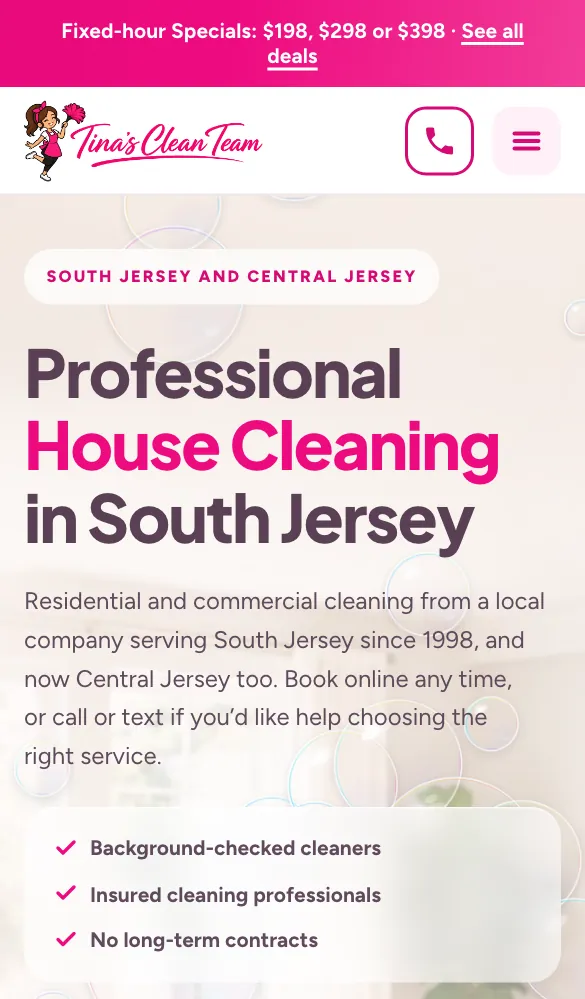
Tina's Clean Team home page on a phone
tinascleanteam.com
Tina's Clean Team · live site, real desktop and iPhone captures
What's built in and what costs extra8 pieces
  • Funnel builderBuilt in

    Single pages or multi-step funnels on your own domain, built for one offer at a time.

  • Split testingBuilt in

    A control page and a variation, a traffic split you set with a slider, and results on a stats tab.

  • Forms that write to contactsBuilt in

    Every submission becomes a contact and can start your follow-up right away.

  • Booking calendarsBuilt in

    A calendar right on the page when the offer is a booking rather than a quote.

  • Follow-up path testingBuilt in

    Two follow-up paths compared, with future leads sent down the one that converts better.

  • Meta lead eventsBuilt in

    Lead events sent back to Meta through its Conversions API, so the ad platform learns which clicks became leads.

  • Page tracking codeBuilt in

    Room on each page for ad tags and the snippet that swaps in a call tracking number.

  • Call tracking numbersBilled by use

    Numbers that show which campaign a phone lead came from, billed by the number and the minute.

Screens and cards are illustrations with demo data.

Do it yourself, have it built, or have it run.

Three ways to get itDo it yourselfLeadLiteFrom $97 / monthBuilt for youWizardQuoted with your planRun for youManagedCustom, priced to the work
What it meansBuild your own landing pages in LeadLite's funnel builder, with split testing and forms that drop straight into your contacts. Call tracking numbers are billed by use.We write, design, and build the page, connect the form, and set up tracking for your campaign.We also build a new page for each campaign, run split tests, and keep every page matched to its ad.
Page built in the funnel builderYou build itWritten and builtBuilt per campaign
Form connected to follow-upSet up for youSet up and tuned
Split testingSet up onceRun and read
Campaign and conversion trackingYou set it upSet up for youReviewed with you
Call tracking numbersBilled by useSet up (by use)Set up (by use)
See LeadLite plansBook a strategy sessionHow managed works

Calling, texting, email, AI and payment processing are billed by use where they apply.

How we deliver it

  1. Pick the offer

    We agree on the one offer and the one action the page is for.

  2. Write and design

    We write the page to match the ad and design it for the phone first.

  3. Connect and track

    We connect the form to your contact list and follow-up and set up conversion tracking.

  4. Launch and adjust

    Once the campaign is live, we watch the results and adjust the page.

After launch, with Run for you

  • A new page built for each new campaign or offer
  • Split tests set up, read, and acted on
  • Pages updated when the ad or offer changes
  • Leads by campaign reviewed with you in plain words
  • Forms and follow-up retested when pages change

Landing pages: the full guide

What an owner should know before buying it or hiring someone to run it. Reviewed November 2026.

What a landing page is, and when you need one

A landing page is a single page built for one offer and one action, for people arriving from one ad, email, or campaign. Your homepage has to serve everyone: the new customer, the returning one, the job applicant. A landing page serves the person who just clicked an ad for spring gutter cleaning, and nobody else. It drops the main menu and the extra links, so the only next step is the one you want.

You need one whenever you pay for clicks, run a seasonal offer, or send an email or postcard with a specific promise. Each offer gets its own page, because a spring special, a commercial cleaning pitch, and an emergency repair line are three different promises. You don't need one for people searching your business by name; they already know who you are, and your homepage is fine for them.

Keep reading the guide5 more sections

Match the page to the ad

The headline repeats the promise of the ad, in the same words. If the ad says 'AC tune-up special for Dover homeowners', the page opens with that offer and that town, not your company history. A visitor decides in a glance whether they're in the right place, and a mismatch sends them straight back to the search results.

Google has its own reason to care. Landing page experience is one of the parts of an ad's Quality Score in Google Ads. And with AI Max for Search campaigns, Google can write new ad text from what's on your landing page and send clicks to whichever page on your site it thinks fits the search best. The words on your pages now shape the ads themselves, so keep them accurate: real services, real areas, and no offers that have already expired.

What to put on the page, and what to leave off

On the first phone screen: the headline that matches the ad, the offer in one line, a reason to believe you (your real Google reviews in a widget work well), and either the form or a tap-to-call button. Below that, what's included, who it's for, the towns you cover, real photos, and answers to the questions that stop people: how pricing works, how soon you can come out, and what happens after they hit submit.

Leave off the main menu, links to your blog, social icons, and any second offer. Keep the form short: name, phone, email, the service, and the town. Every extra field is one more reason to stop. If you'll text the people who fill it in, add consent checkboxes that aren't pre-checked and aren't required to submit. Keep the phone number on the page too. Some people would rather call, and a page that hides the number loses them.

Should I use Facebook lead forms or a landing page?

Meta's lead forms open inside Facebook or Instagram, so a person can send their details without leaving the app. That makes them quick to fill in, and the same ease can bring in people who barely remember sending them by the time you call. A landing page asks for a little more effort and gives you room to explain the offer, show the work, and let people book.

Where we'd start: lead forms for simple, quick-to-quote services, and landing pages for bigger jobs that need explaining, like a roof replacement or a long-distance move. Either way, the lead has to land in the same contact list and start the same follow-up. LeadLite can bring Meta lead form submissions in, and lead forms can embed a booking calendar so people pick a time without leaving the ad. If the budget allows, test both and judge them on booked jobs, not on the cost of each lead.

How do I A/B test a landing page?

In LeadLite, split testing works on funnel pages. You set a control page and a variation, choose how traffic is split between them with a slider, and read the results on the stats tab. Change one thing at a time, like the headline, the offer, the form length, or the main photo, so you know what made the difference. Conversions are counted from the page's opt-in form, so build each test page around one. You pick the winner yourself.

Split testing is there for funnels, not regular website pages, which is one more reason ad landing pages are built as funnels. And tests need traffic. On a small budget, a test can run for weeks without telling you anything useful, so fix the obvious problems first: the mismatched headline, the slow photo, the form buried below a wall of text. Don't call a winner after a handful of leads.

Tracking which campaign brought each lead

Every ad link should carry campaign tags, the short codes on the end of a link that say which campaign, ad, and source sent the click. LeadLite records where each contact came from, so the source follows the lead into your contact list. Add the Google Ads conversion tag to the thank-you step, and send lead events back to Meta through its Conversions API, so each ad platform learns which clicks became leads.

Phone calls need their own tracking. A call from the page only shows up by campaign if the page shows a tracking number, and tracking numbers are billed by use. The snippet that swaps in the right number can sit on a single landing page. Then judge every campaign by leads and booked jobs, not clicks. A low-cost click that never books is the most expensive click you'll buy.

What a good landing pages setup includes

  • One offer and one action per page
  • Headline repeats the promise of the ad
  • Form or call button on the first phone screen
  • No main menu or links that lead away
  • Every submission lands in your contact list
  • Follow-up starts automatically when the form is sent
  • Campaign tags on every ad link
  • A thank-you step that records the conversion

Questions

Landing pages questions

Still deciding? A strategy session walks through your calls, leads and booking, and what we would build first.

Book a strategy session
What's the difference between a landing page and a website?

A website explains your whole business and serves many kinds of visitors. A landing page is built for one offer and one action, for people arriving from a specific ad or campaign. It drops the menu and extra links so the only next step is the one you want.

Do I need a landing page for Google Ads?

You can send ads to your homepage, but a page that matches the ad serves visitors better. Google lists landing page experience as one of the parts of an ad's Quality Score, and its AI Max feature can now read your page to write ad text, so what the page says matters twice.

How do I know if my landing page is working?

Look at it the way a customer from the ad would. If the headline doesn't match the ad, the form is below a wall of text, or the page is slow on a phone, it's losing you leads. Then check whether you can see which campaign each lead came from. If you can't, you can't tell what's working.

How many landing pages do I need?

One for each offer or campaign you're running. A spring special, a commercial cleaning page, and an emergency repair page are three different promises, so they work best as three different pages. Start with the campaign that spends the most and add pages as you add offers.

Can a landing page connect to my CRM?

Yes. On LeadLite, every form submission lands in your contact list and can start a follow-up text or email right away. If you use other software, tell us what you run on and we'll tell you what connects before you sign anything.

How do I A/B test a landing page?

Build the page as a funnel in LeadLite, add a variation, and set how traffic is split between the two. Change one thing at a time, like the headline or the offer, and read the results on the stats tab. You pick the winner yourself. Give the test enough traffic before deciding, or you're reading noise.

Why are my ads getting clicks but no leads?

Start with the page. Check that the headline matches the ad, that it loads fast on a phone, that the form or call button is on the first screen, and that the form isn't asking for too much. If all of that holds, look at the ad's targeting and search terms, because the clicks may be coming from people who were never going to book.

Should I use Facebook lead forms or a landing page?

Lead forms are quicker to fill in because people never leave Facebook or Instagram, which can bring in more leads and more people who barely remember asking. A landing page takes more effort and explains more. Where we'd start: lead forms for simple services, landing pages for bigger jobs. Judge both on booked jobs.

How much does landing page design cost?

It depends on scope. LeadLite starts at $97 a month if you run it yourself; built-for-you and run-for-you plans are quoted to the work. A single page for one campaign is a smaller job than a set of pages with testing. Ad spend is paid separately, and call tracking numbers are billed by use.