

 Tina's Clean TeamNovember 9 ·
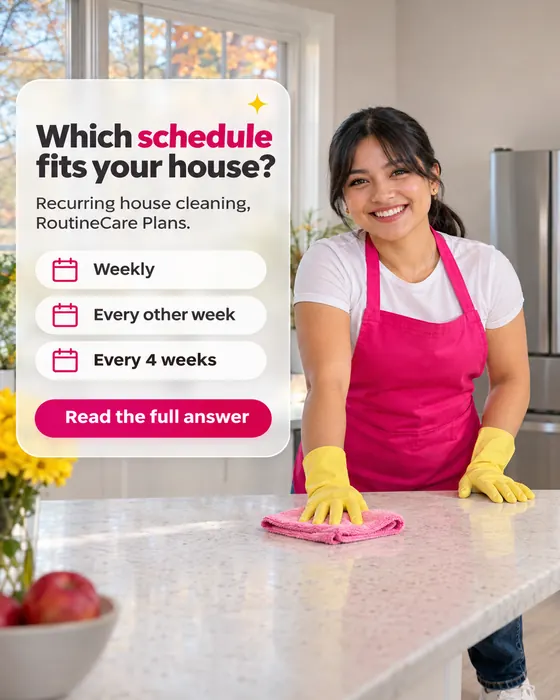
Weekly, every other week or every 4 weeks? Start with who lives in the house.
1. Kids, pets and a lot of traffic: weekly.
2. A home you keep tidy day to day: every other week. See more
243 comments
Customers check your Facebook, Instagram and Google profile before they call, and a page that went quiet months ago makes them wonder if you're still open.
Built forTina's Clean TeamCleaning RevolutionPhilly's Clean TeamPro DJ ProductionsAmbitious CleaningDSC Accountingand more
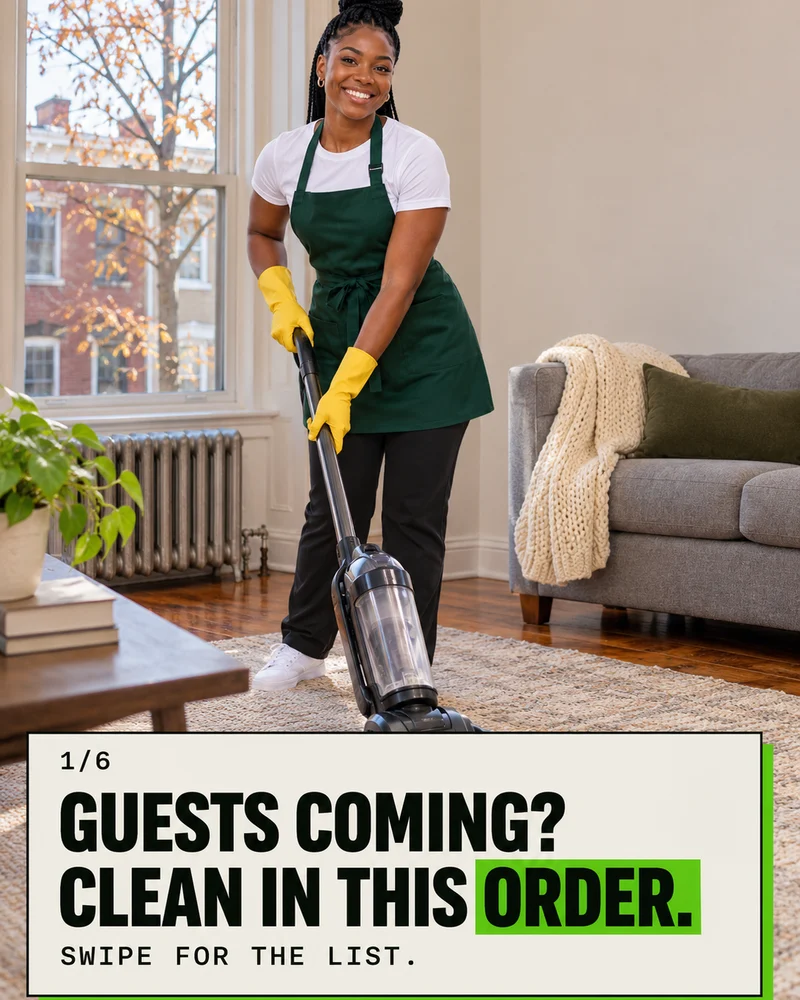
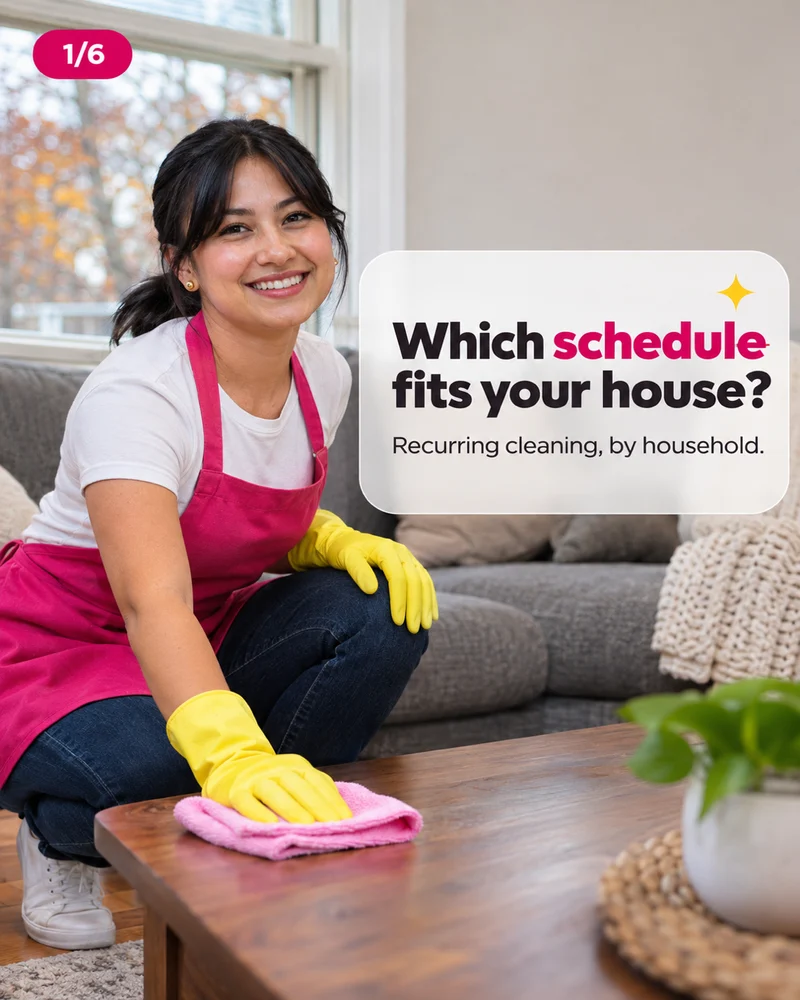
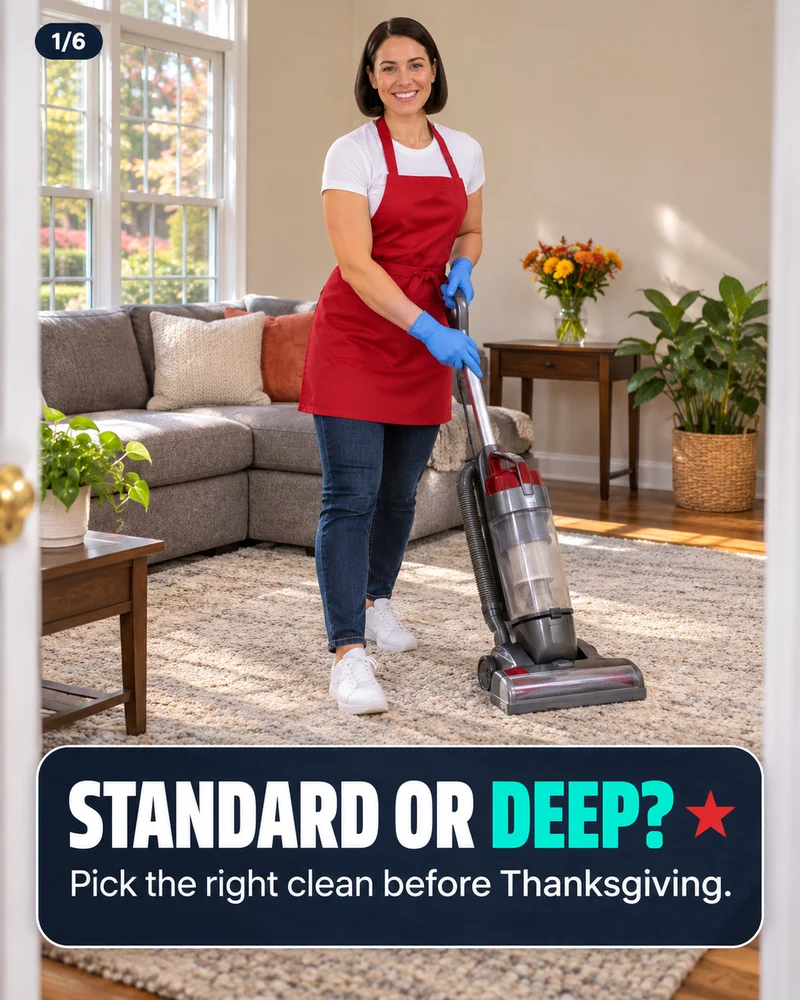
Real posts we made for Philly's Clean Team, Tina's Clean Team and Cleaning Revolution
Social media management is planning, writing and scheduling a business's posts on channels like Facebook, Instagram and Google Business Profile so its profiles stay current. For a local service business, it means a content calendar built around real jobs, seasons and offers, posts that sound like the owner, approval before anything goes out, and messages kept in one inbox.
We plan the calendar, write and schedule the posts, and build them around your real jobs, team and seasons.

A quiet page makes a busy company look closed to anyone who checks before they call.
It happens in bursts, then stops for weeks as soon as the schedule fills up.
Stock photos and recycled tips tell customers nothing about the people who'd actually show up at their door.
All three are planning problems, and a calendar you approve ahead of time takes care of the planning.
A plan built around your services, seasons, offers and local events, approved by you before anything posts.
 See photos
4.8 (102)
House cleaning service

Fixed-hour Specials in Voorhees, Haddonfield and across South Jersey
2 days ago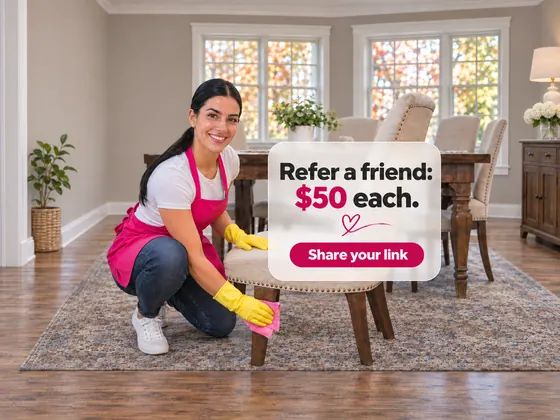
Refer a friend to Tina's Clean Team in Cherry Hill or Marlton
4 days ago
Stainless fridge in Hamilton or Moorestown
5 days ago4.8 (102)
House cleaning service · Open
 44+
Fixed-hour Specials in Voorhees, Haddonfield and across South Jersey: two cleaning professionals for 2 hours, $198. 3 hours, $298. 4 hours, $398. Book online.
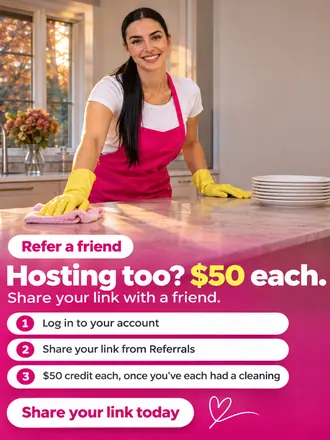
BookTina's Clean Team2 days agoRefer a friend to Tina's Clean Team in Cherry Hill or Marlton. When your friend's first cleaning is done, and you've had one too, you each get $50 credit toward your next cleaning.
Learn moreTina's Clean Team4 days agoStainless fridge in Hamilton or Moorestown full of fingerprints before guests? Wipe and buff with the grain.
BookTina's Clean Team5 days ago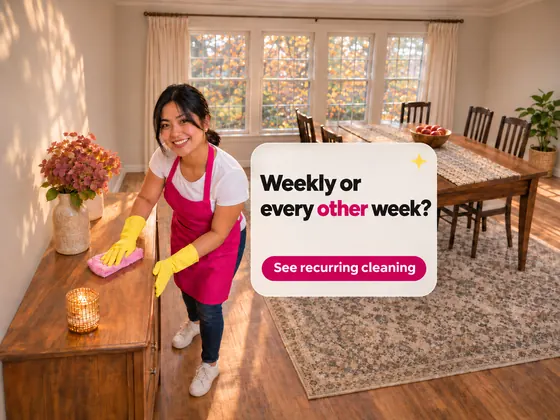
Recurring house cleaning, RoutineCare Plans, in Cherry Hill, Moorestown or Princeton: weekly, every other week or every 4 weeks.
Learn moreTina's Clean Team1 week agoCaptions in your voice about real jobs, useful tips and what you offer.
Before-and-after and on-the-job photos from your team, edited and posted with the customer's permission.
Facebook, Instagram and your Google profile, plus LinkedIn, TikTok, YouTube, Pinterest, Threads or Bluesky where they fit.
Facebook and Instagram messages, and comments on posts published through the planner, land in your LeadLite inbox.
What went out, what people responded to, and what's planned next, from the statistics each channel provides.
Real posts from our clients' current schedules, written, designed and scheduled by our team two weeks at a time.
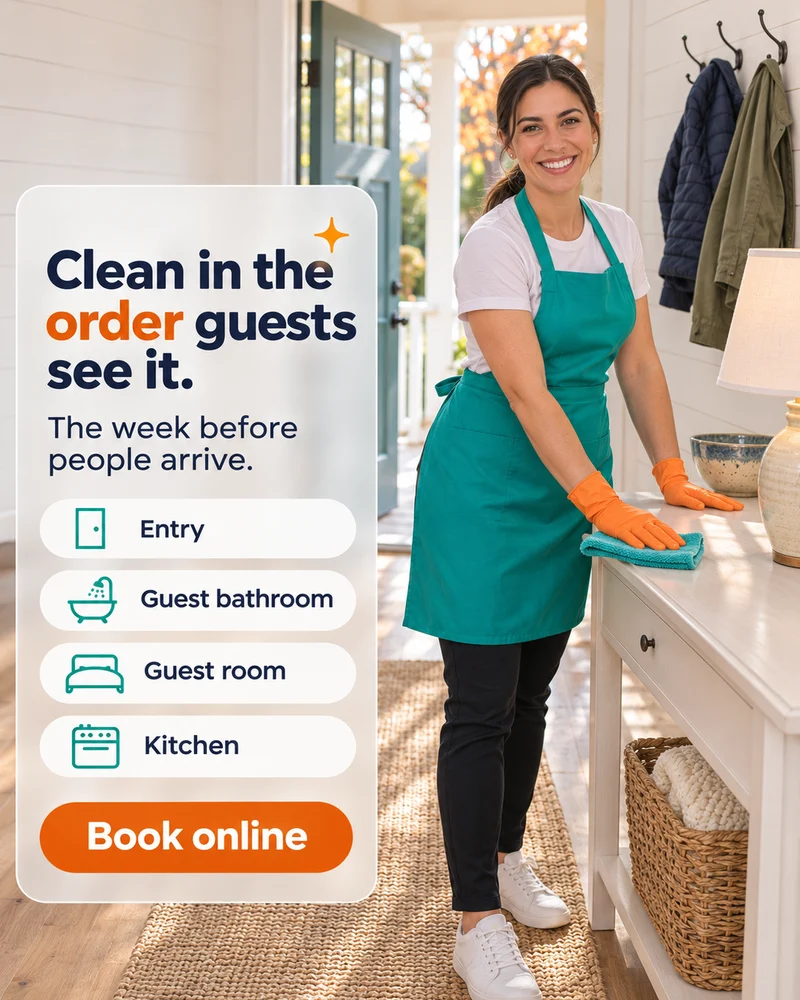
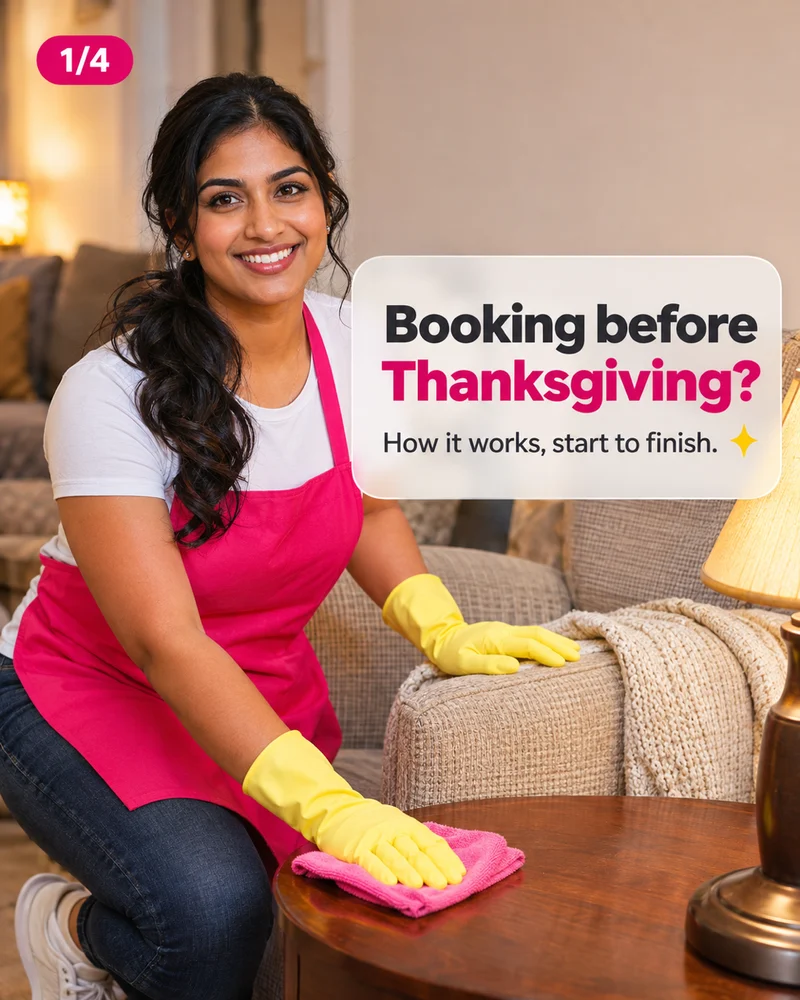
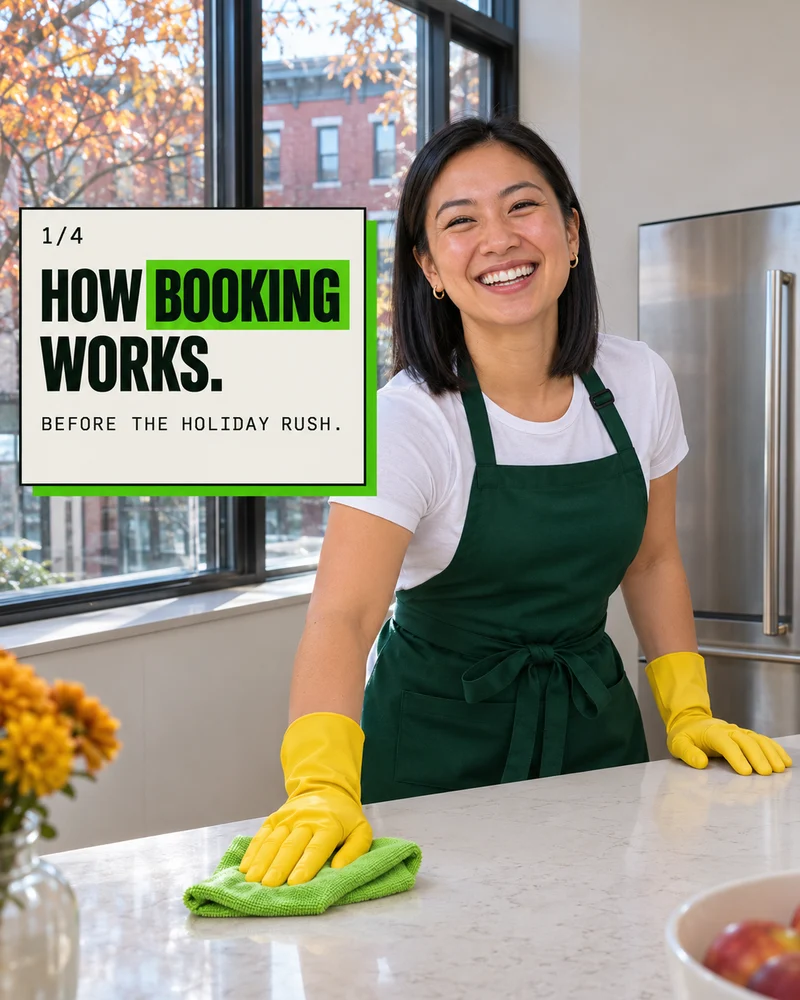
Tina's Clean Team and Philly's Clean Team are companies we co-operate.
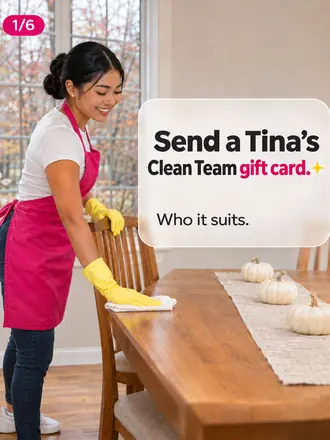
The first week of November 2026 in the social planner for Tina's Clean Team, a company we co-operate. Every post was written, designed and scheduled by our team.
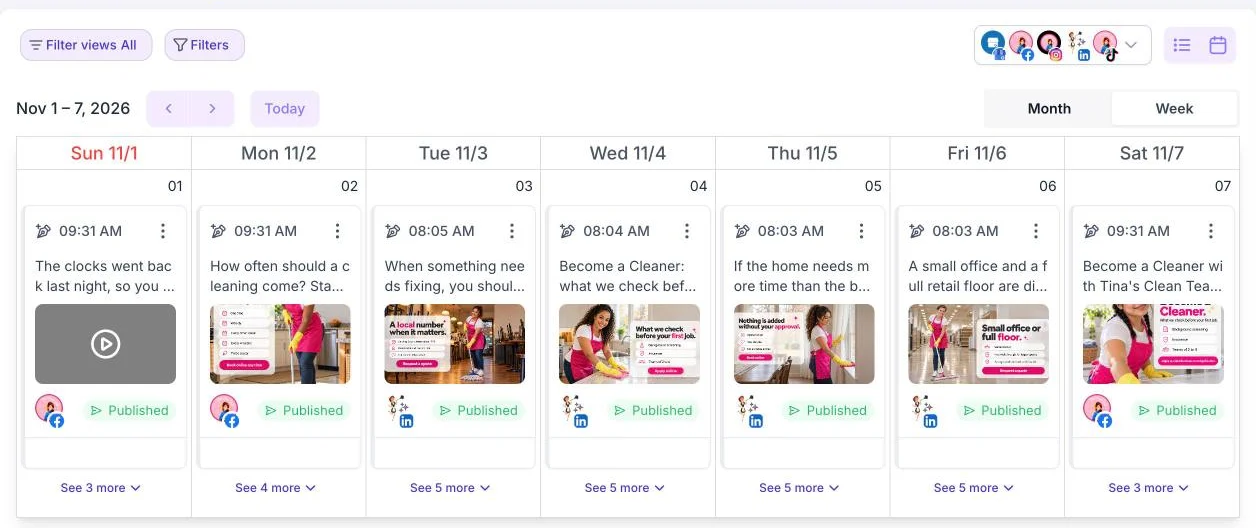
The social planner, approvals and inbox are built into LeadLite. Content AI captions are billed by use, X (Twitter) isn't supported, and comments reach the inbox only on posts published through the planner.
Tina's Clean TeamBook now
House cleaning service · South Jersey and Central Jersey
House cleaning in South Jersey and Central Jersey. Call or text (609) 831-4455.
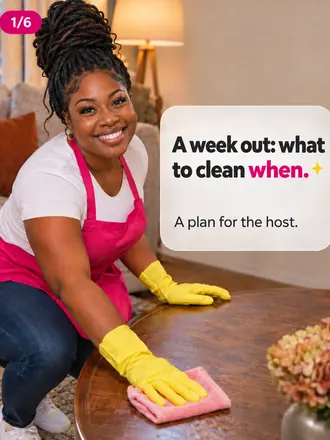
Tina's Clean TeamNovember 9 · Weekly, every other week or every 4 weeks? Start with who lives in the house.
1. Kids, pets and a lot of traffic: weekly.
2. A home you keep tidy day to day: every other week. See more
467posts
Home cleaning in South Jersey + Central Jersey
One-time + recurring cleaning
Call or text (609) 831-4455
Book or request a quote below
Moorestown, New Jersey
www.tinascleanteam.com/bo... and 1 more



Schedules posts to Facebook, Instagram, Threads, Google Business Profile, LinkedIn, TikTok, YouTube, Pinterest and Bluesky from one calendar.
Posts can wait for your sign-off before they go out.
Reminders and tips that come back on a schedule you set, so busy weeks still have something going out.
A month of posts loaded from one spreadsheet instead of one at a time.
Direct messages land in the same inbox as your texts and emails.
Comments on Facebook, Instagram and TikTok posts published through the planner arrive in the inbox too.
Reach and engagement for the channels that report it; Google posts and Threads show less.
First drafts of captions, which we rewrite in your voice with the real details.
Screens and cards are illustrations with demo data.
| Three ways to get it | Do it yourselfLeadLiteFrom $97 / month | Built for youWizardQuoted with your plan | Run for youManagedCustom, priced to the work |
|---|---|---|---|
| What it means | Use LeadLite's social planner to write, schedule and approve posts for Facebook, Instagram, Google and more from one place. Content AI captions are billed by use. | We connect your accounts, set up the planner, and build your first content calendar and post templates. Then we hand it over to you. | We plan, write and schedule your posts and send you the calendar to approve before anything goes out. |
| Social planner for every channel | Set up for you | ||
| Content calendar | You plan it | First month planned | Planned with you |
| Posts written | You write them | Templates written | Written for you |
| Approval before anything posts | Optional | Set up for you | |
| Comments and messages in one inbox | Connected for you | Flagged to you | |
| Recap of what worked | Planner stats | - | Read with you |
| See LeadLite plans | Book a strategy session | How managed works |
Calling, texting, email, AI and payment processing are billed by use where they apply.
We learn your services, voice and seasons, and the customers you want more of.
We build a content calendar and share it with you before anything is posted.
We write the posts, pair them with your photos, and schedule them across your accounts.
Before the next calendar, we look at what got a response and shape the plan around it.
What an owner should know before buying it or hiring someone to run it. Reviewed November 2026.
Nothing should go out that you haven't seen. The planner has approvals, so a month of posts can sit waiting for your sign-off, and you can change a caption or pull a post before it publishes. Your pages and accounts stay in your business's name, with us added as users, so if you ever change who runs your social, nothing needs to be handed back.
Know the limits. X (Twitter) isn't supported. Images posted through the planner can't carry alt text, so if a photo shows important information, like your hours or an offer, put it in the caption too. Bluesky posts have a short character limit. Post statistics come through for some channels but not all, and Google posts and Threads report less, so the recap leans on what each channel actually shows.
Content AI can draft captions, billed by use. We use it for first drafts, then rewrite them with the details only you know: the street, the job, the dog that supervised the whole thing.
Questions
Still deciding? A strategy session walks through your calls, leads and booking, and what we would build first.
Book a strategy sessionEnough that your pages look active, and no more than you can fill with real content. There's no reliable number. A steady pace you can keep beats a burst of daily posts that stops after a month. We plan ahead and use recurring and evergreen posts so the calendar keeps running in busy weeks.
Start with Facebook and your Google Business Profile, because that's where nearby customers check you out and leave reviews. Add Instagram for visual trades like cleaning, painting, landscaping and beauty, and LinkedIn for commercial work. TikTok, YouTube and Pinterest fit if you'll film or your work is design-led. Do a few well rather than all of them badly.
Real work first: before-and-after photos, jobs in progress, your team and your trucks. Then seasonal reminders, simple tips customers can use, offers and answers to common questions. Posts that show who'll actually turn up at the door earn more trust than generic graphics, as long as the customer has said it's fine to post their home.
Yes. LeadLite's planner has approvals, so the whole calendar can wait for your sign-off. You can edit a caption, swap a photo or pull a post before it publishes. At the Run for you level, nothing goes out until you've approved it, and you can change your mind right up until it posts.
Yes. Google posts go out from the same planner as Facebook and Instagram, adjusted to fit Google's format. They keep your profile looking current to people who find you on Search and Maps. Google hasn't said posts change your ranking, so we treat them as a way to look active rather than a ranking fix.
Not through LeadLite. Its social planner stopped supporting X in December 2024. It covers Facebook, Instagram, Threads, Google Business Profile, LinkedIn, TikTok, YouTube, Pinterest and Bluesky. If X matters to your customers, those posts would go out by hand, outside the planner, and they won't appear in the planner's calendar or statistics.
Not directly. Google hasn't said social posts change where you rank, and its local ranking tips focus on your profile, reviews and website. Social helps you get chosen instead: a customer who checks your page and sees recent real work has a reason to call you over a company that went quiet.
It helps a lot. Real photos from your jobs, team and vehicles make posts believable in a way stock images can't. We tell you what to capture and make it easy to send, and we fill gaps with simple branded graphics for offers, tips and reminders.
It depends on how many platforms you want covered and how many posts you want. LeadLite starts at $97 a month if you run it yourself with the social planner; built-for-you and run-for-you plans are quoted to the work after a strategy session. Content AI captions are billed by use.
Book a strategy session. We'll look at how leads find you, reach you and book with you, and show you what we'd build first.
Related
Meta adsFacebook and Instagram reach people in your area before they ever search for a service like yours.Google Business ProfileYour Google Business Profile is the listing people see in Maps and search, before your website and before they call.Content marketingBefore they call anyone, your customers search questions like how much a deep clean costs or whether an old furnace is worth repairing.




Comments, messages and keeping them in one inbox
A question in the comments is a lead, so where comments land matters. Facebook and Instagram direct messages arrive in your LeadLite inbox next to your texts and emails. Comments are narrower: they reach the inbox only for posts published through the LeadLite planner, on Facebook, Instagram and TikTok. A post made straight from the Facebook app won't bring its comments with it, which is one more reason to publish everything through the planner.
Answer in public when the question helps everyone, like do you cover Camden, and move to a private message when it gets personal, like an address or a price for their job. Meta also limits how long after a message an automated reply can go out, so a comment left sitting for a week can miss the automatic follow-up altogether.
Decide who checks the inbox, and when. A quick, plain reply on a comment does more for the next reader than a perfect one two days later.