










Website design: the full guide
What an owner should know before buying it or hiring someone to run it. Reviewed November 2026.
What pages a service business website needs
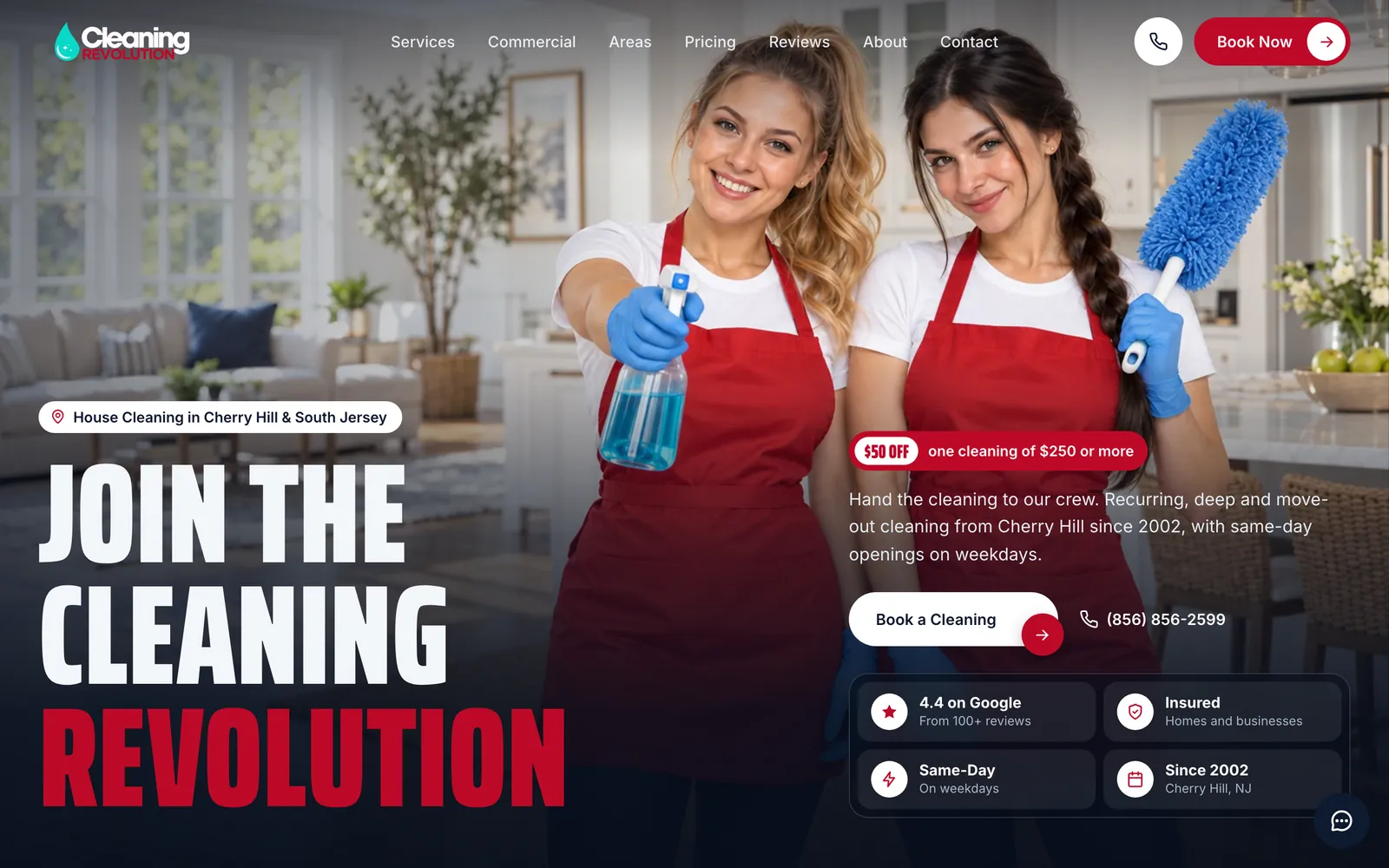
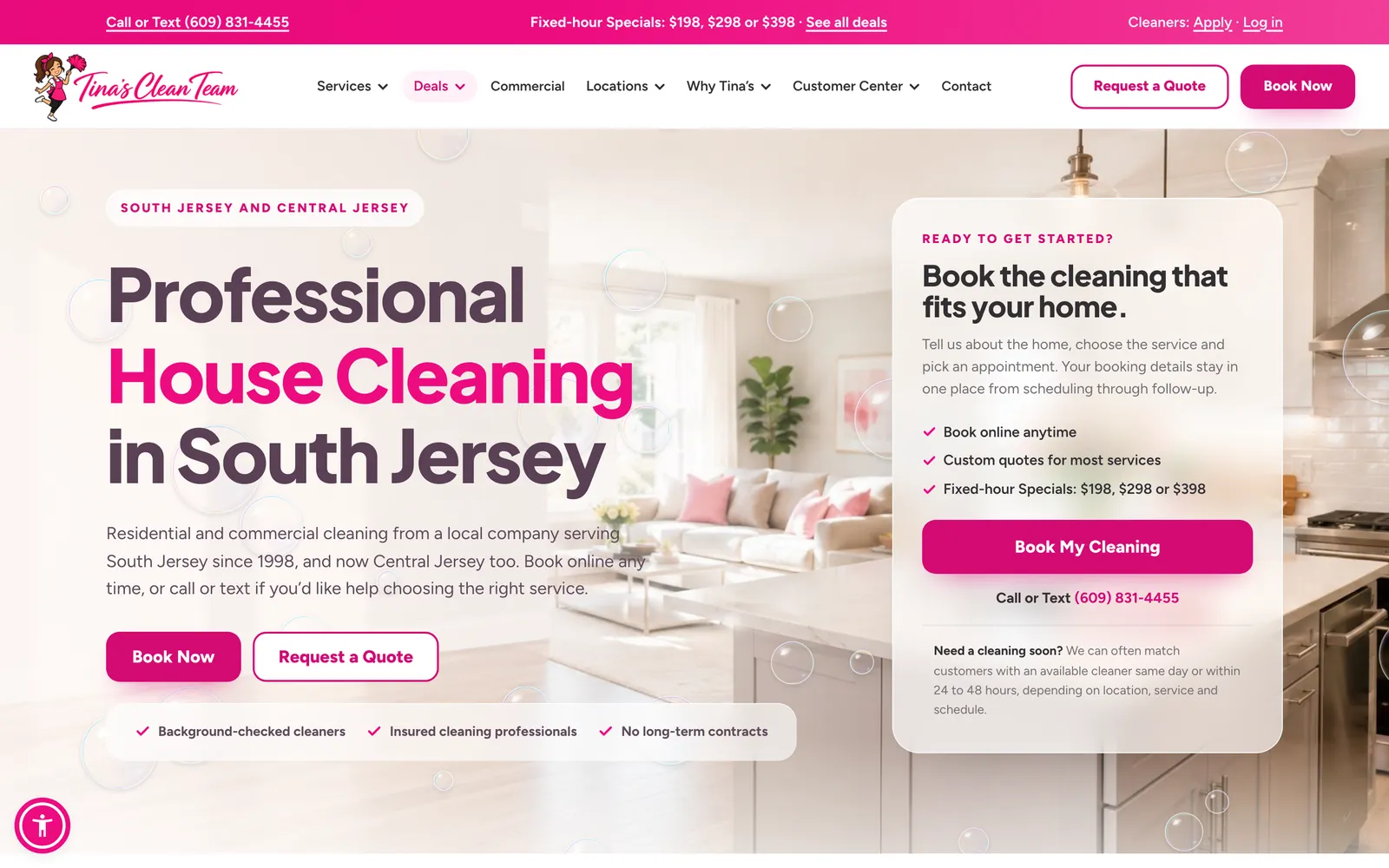
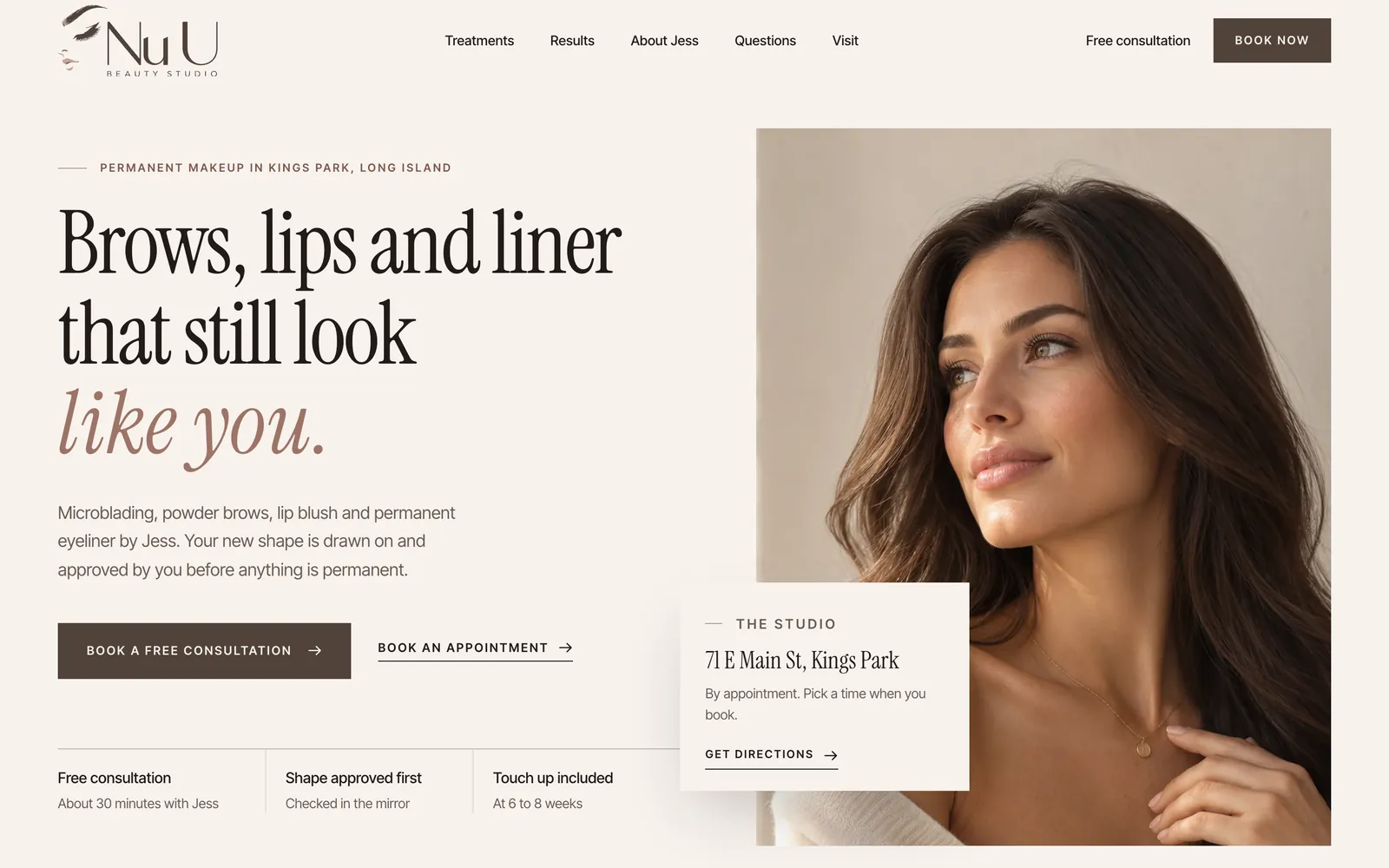
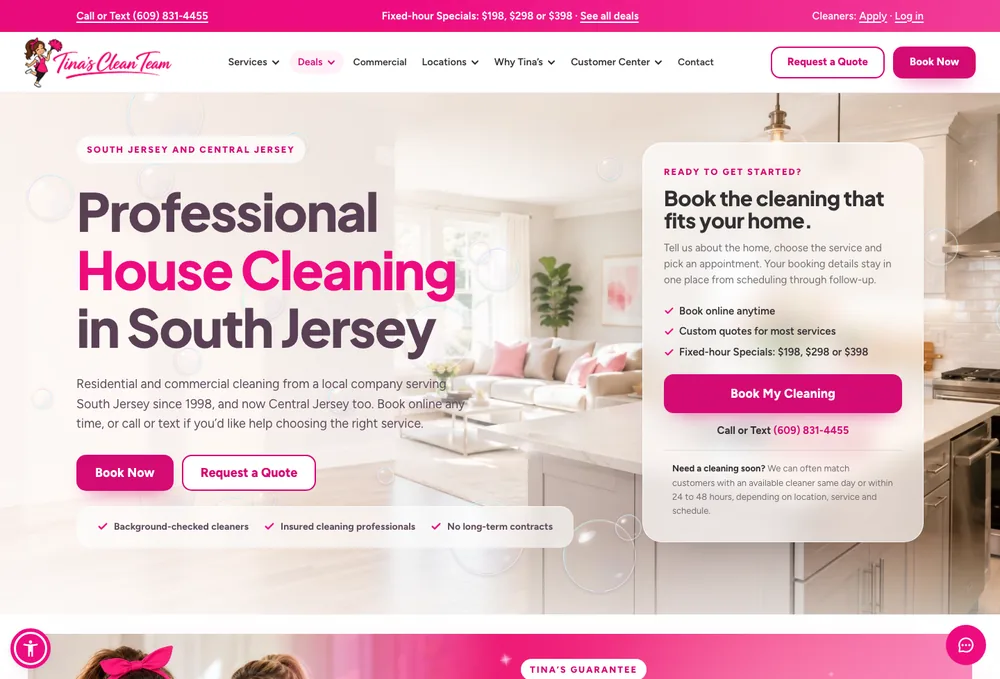
Start with the pages a customer needs to make a decision. A homepage that says what you do and where you do it, on the first screen. A page for each core service: what's included, who it's for, how pricing or quotes work, and the questions people ask before they book. A page for each town where you work and have something specific to say. An about page with real photos of your team and your vans, and a contact page with your hours and service area.
Google asks for pages written for people, not for search engines, and a single services page that lists everything you do in one paragraph serves neither. Each core service needs its own page, because that's the page Google can match to the search and the page a customer lands on when they're ready to call.
Then add the pages that answer the next question: how pricing works, what happens on the first visit, your cancellation policy. Google has retired the questions section on Business Profiles, so your website is now the place to answer those, where both Google and AI answers can read them.
Keep reading the guide5 more sections
Do you still need a website if you have a Google Business Profile?
Yes. Google shut down the free websites it used to offer through Business Profiles in 2024, so a profile on its own now has nowhere to send people. The profile is where customers find you on the map. The website is where they check you're the right fit: the services, the towns, the photos, how pricing works, and how to book.
The two feed each other. Google's local results weigh relevance, and your website is where you can say in full what you do and where. Local business schema, a block of code in the page, hands Google your name, area, hours, and services in a format it reads directly. Google asks that structured data match what's visible on the page, so the hours in the code and the hours on the screen should be the same. Keep your name, phone, and hours identical on the site and the profile.
Built for the phone first, and fast
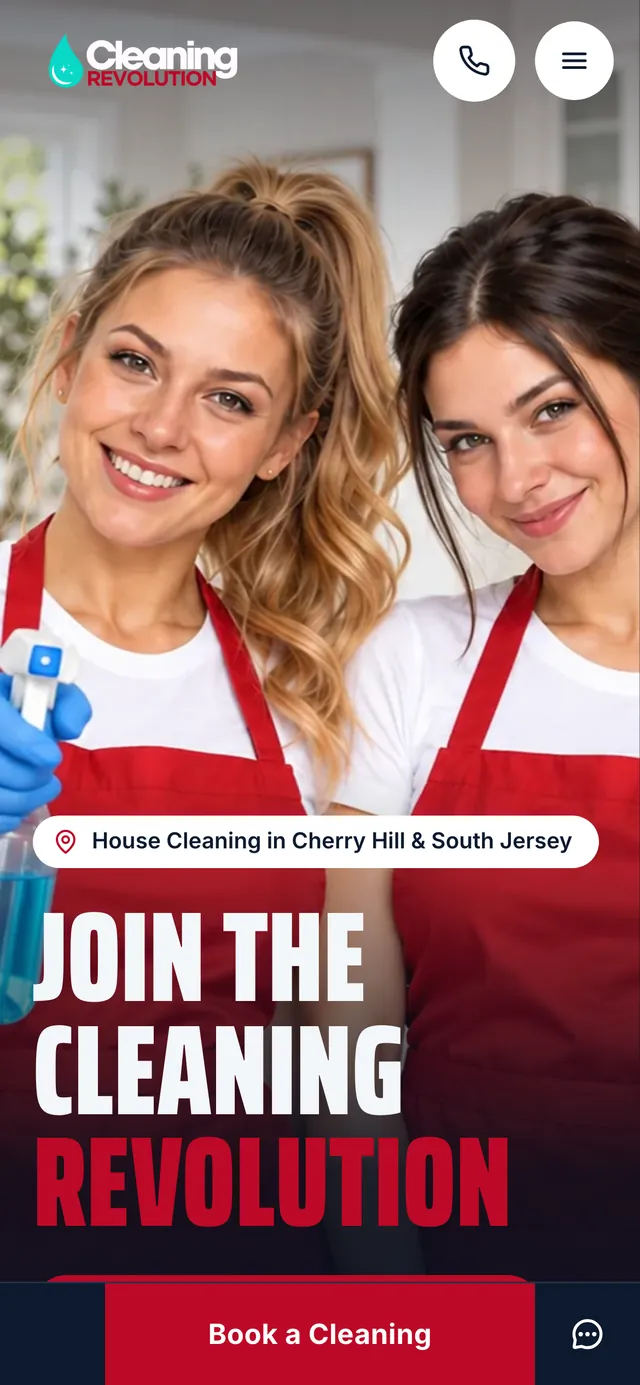
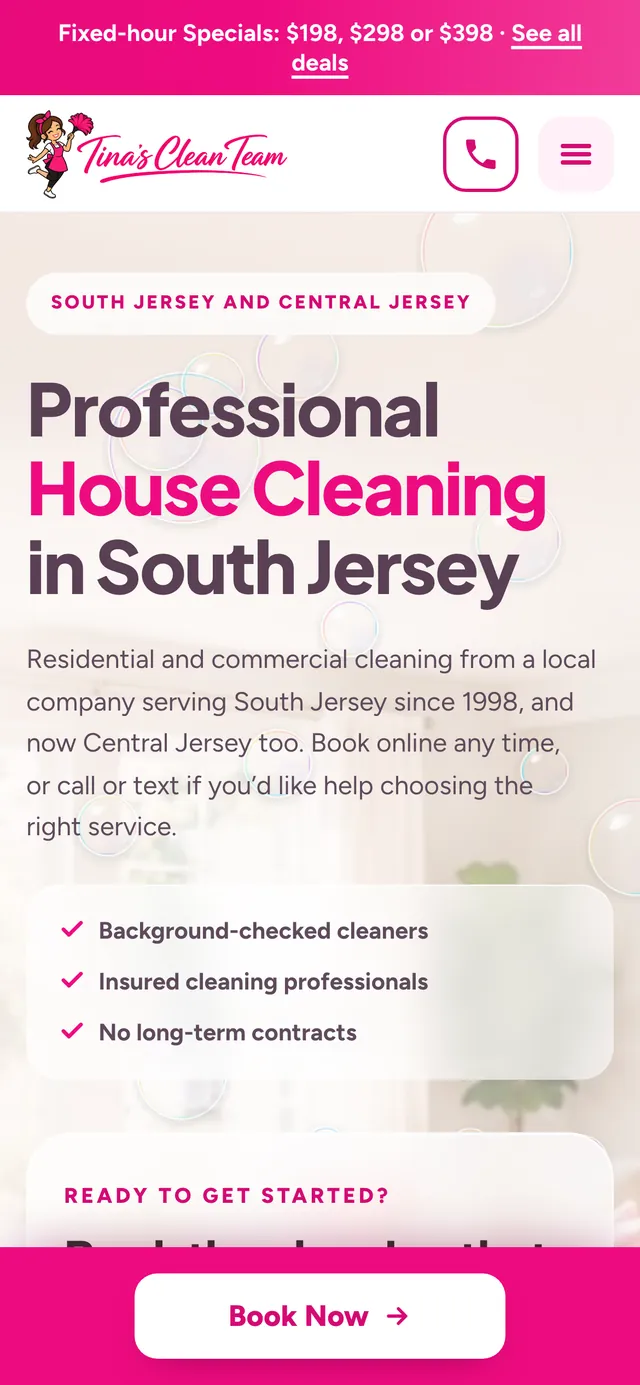
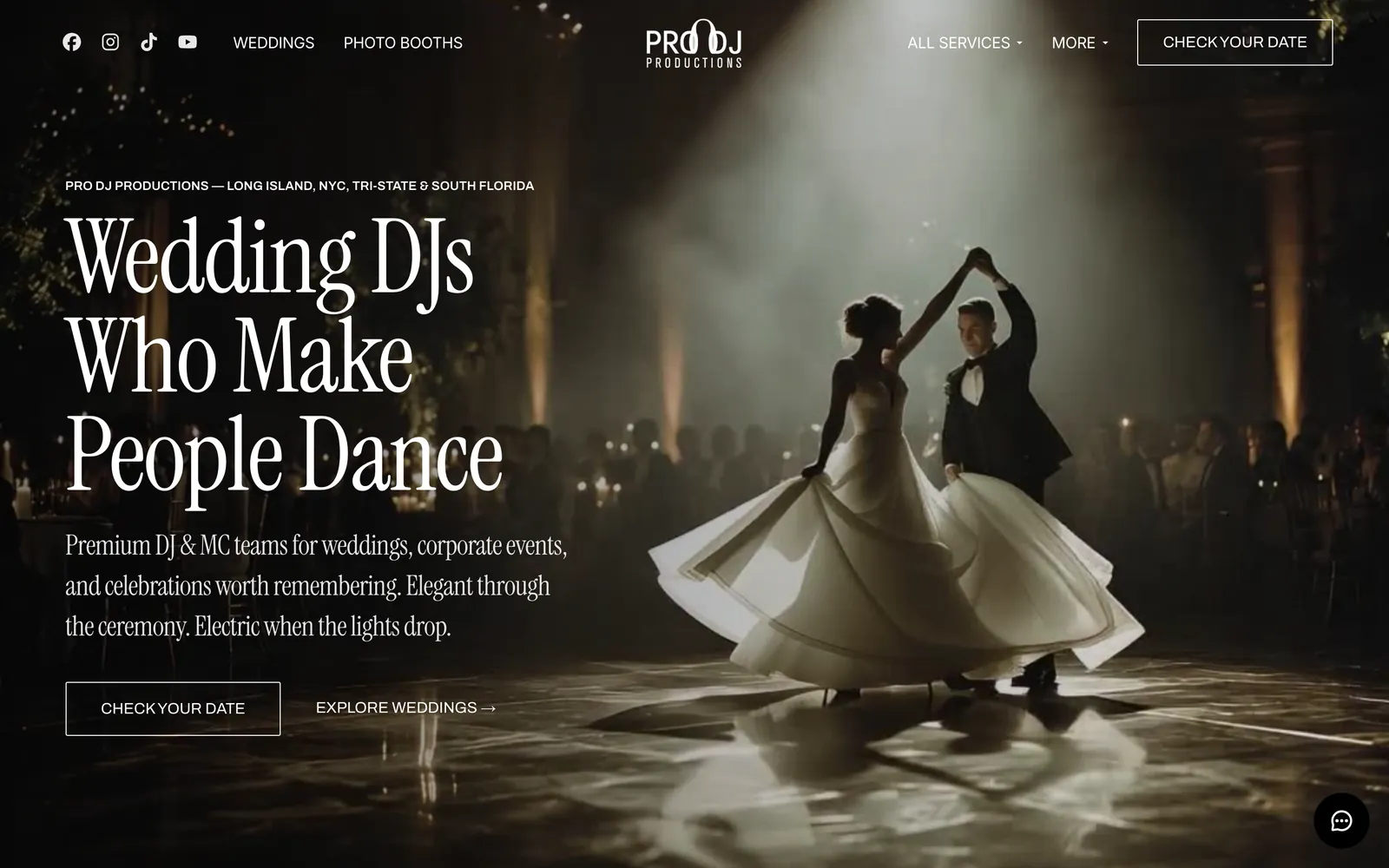
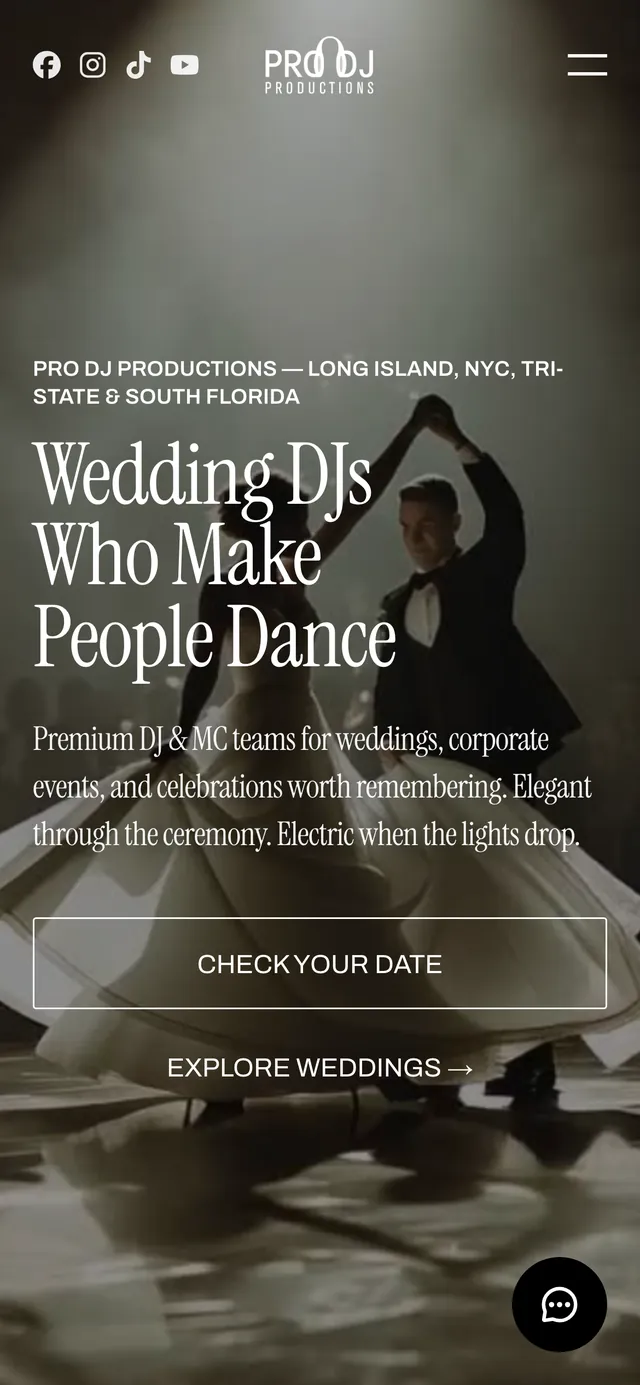
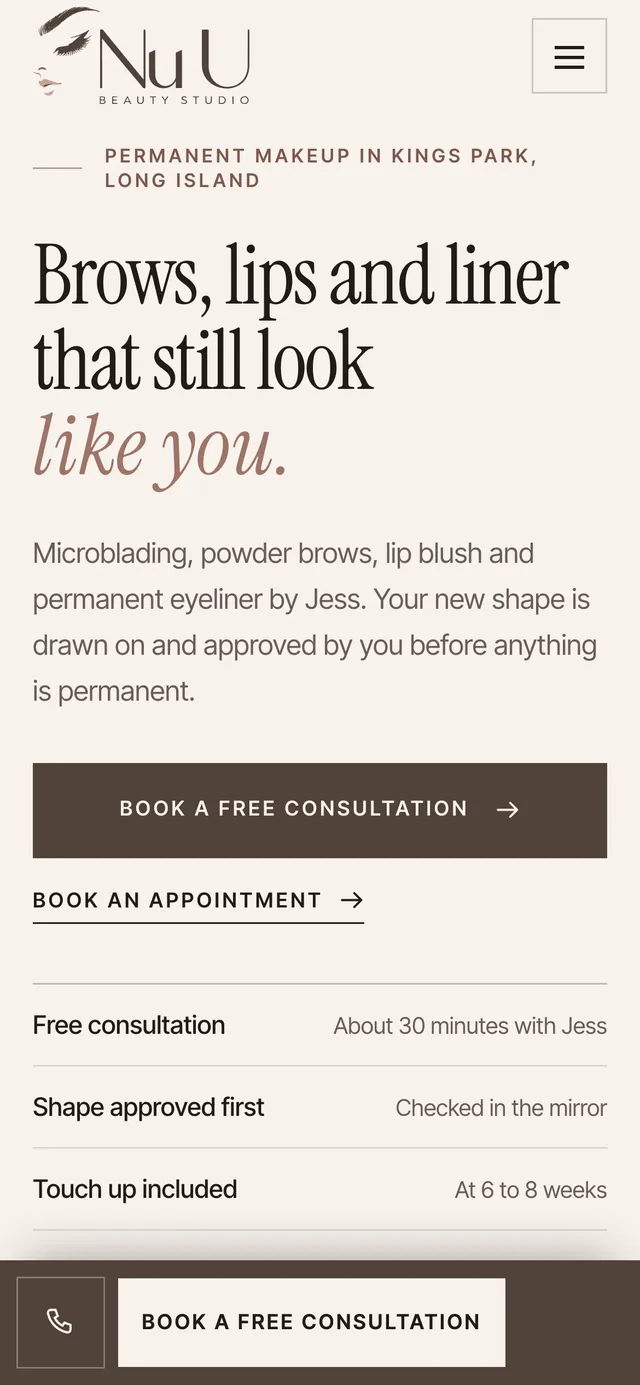
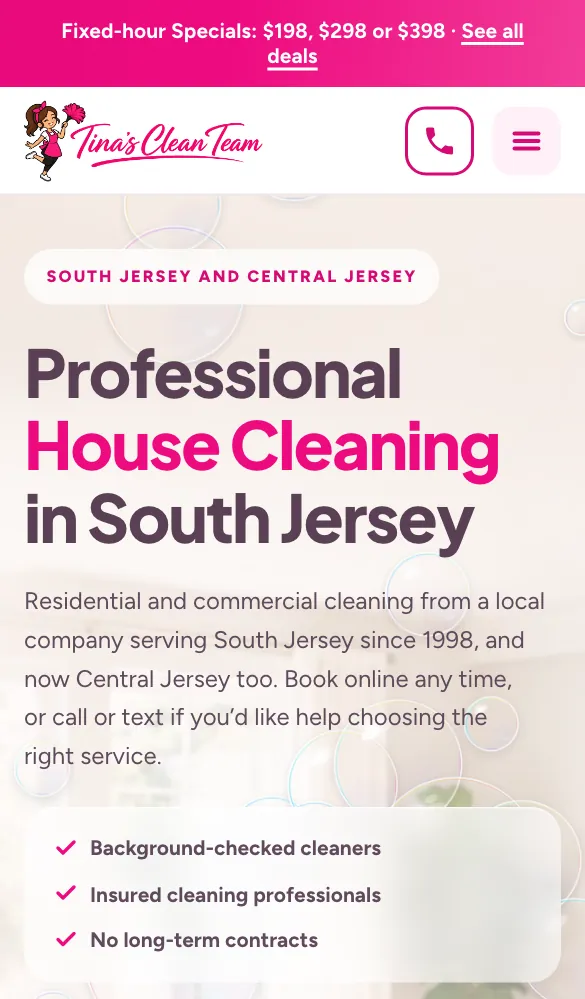
Picture the customer: standing in a kitchen with water on the floor, or in a parking lot between errands, searching on a phone. The first screen should tell them what you do, where you do it, and how to reach you, without a scroll. Make the phone number tap-to-call, make the book or quote button big enough for a thumb, and keep it within reach as they scroll.
Speed is the other half. Google measures page experience with Core Web Vitals: how fast the main content loads, how quickly the page responds when someone taps (a metric called Interaction to Next Paint, which replaced First Input Delay in March 2024), and whether the layout jumps around while it loads. What we fix first on service sites is photos uploaded straight from a phone at full size, image sliders, and a stack of embedded widgets all loading at once.
Every photo also gets alt text, a short description that screen readers read aloud and search engines use to understand the image.
Forms and booking that land somewhere
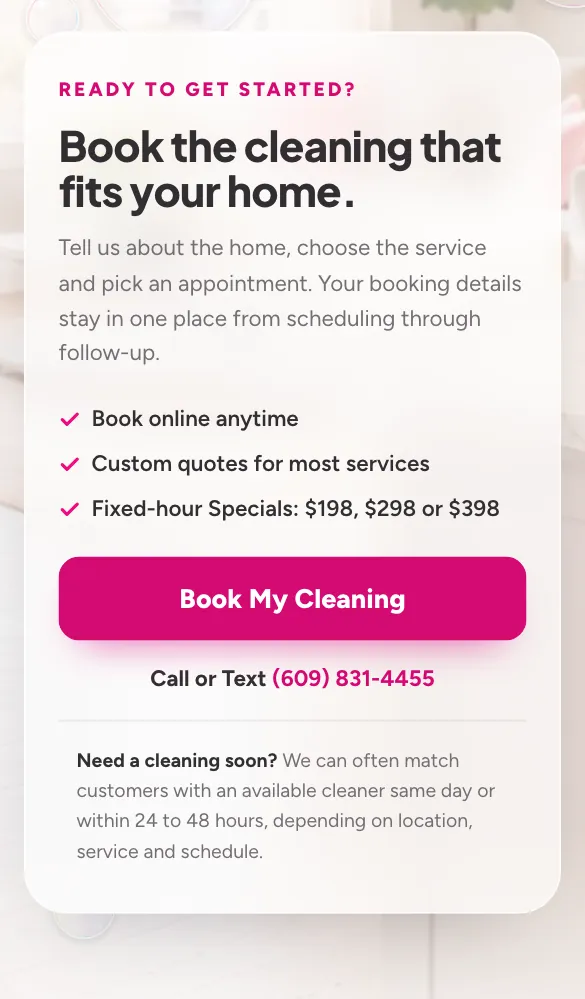
A form that sends an email to one inbox is where quote requests go to wait. Every form on the site should drop into your contact list and start your follow-up, so a request at 9 p.m. on a Sunday gets moving right away instead of sitting until Monday. Ask only what you need to quote: the service, the town or address, a rough size, and the best way to reach them. A photo upload helps on jobs like roofing or restoration, as long as it's optional.
Where a job can be booked without a site visit, put online booking on the page. Where it can't, a short quote form does the job. Turn on spam screening: LeadLite forms screen out fake submissions on their own and take a CAPTCHA field when bots still get through. If you plan to text the people who fill in a form, add consent checkboxes, one for marketing texts and one for service texts, that aren't pre-checked and aren't required to submit. That's what the texting registration process looks for, and consent is recorded on the contact record.
Editing your own site without breaking it
You should be able to change a price, swap a photo, or update holiday hours without waiting on anyone. Every site we build comes with editing access, and LeadLite saves versions of each page as you work, so an edit that goes wrong can be restored. Shared sections that appear on every page, like a site-wide header or footer, may not be covered by that history, so we keep a copy before changing those.
Some changes are better left to whoever built the site. Changing a page's address breaks the links and search results that point to it, unless a redirect goes in at the same time. Deleting a service page can drop you out of searches for that service. A new page that needs to rank takes more than text: a clear title, headings, schema, and links from the pages around it. Audit logs record who changed what, so when something does break, it's quick to see what happened.
What a website costs, and what drives the price
The price of a service business site follows the work. How many service and town pages it needs. Whether you supply the copy or we write it. Whether there are real photos to use or a shoot to plan. What it connects to: booking, payments, your contact list, call tracking. And whether an old site has to be moved with redirects so its rankings come along.
Running costs are smaller, and worth knowing up front. On LeadLite, hosting and SSL come with the site. Your domain renews yearly, and the texts and emails your forms trigger are billed by use.
A template you build yourself is the right call when you're starting out with one service in one town. A built site earns its cost when you serve several towns and services and need the site to do the selling while you're on a job.
What a good website design setup includes
- A separate page for each core service you sell
- Your service towns named in plain words on the homepage
- Call and book buttons on the first phone screen
- Every form feeding your contact list, not just an inbox
- Spam screening turned on for every form
- Name, phone, and hours matching your Google profile
- Local business schema that matches the visible page
- Domain registered in your name, with SSL active